Getting to Know Your Legacy (System) with AI-Driven Software Archeology
How three archaeological techniques — excavation, typology, and chaîne opératoire — can be applied with AI assistance to understand and navigate legacy software systems.
Abstract
Maintaining old software systems can be challenging. The code is often hard to read, documentation may be missing, and the original authors might no longer be available. However, with the data we already have at our fingertips, we can quickly dig deeper in existing codebases and track how they have evolved over time.
By using artificial intelligence, especially large language models, alongside modern data analysis techniques and freely available open-source tools, you too can gain deeper insights into a system’s architecture. Uncover hidden patterns that help you better understand the legacy entrusted to you and its evolution.
Join me to see how data-driven analysis helps you work more efficiently, reduce uncertainty, and confidently take the first step toward moving your legacy system into the future.
The Problem with Legacy and AI
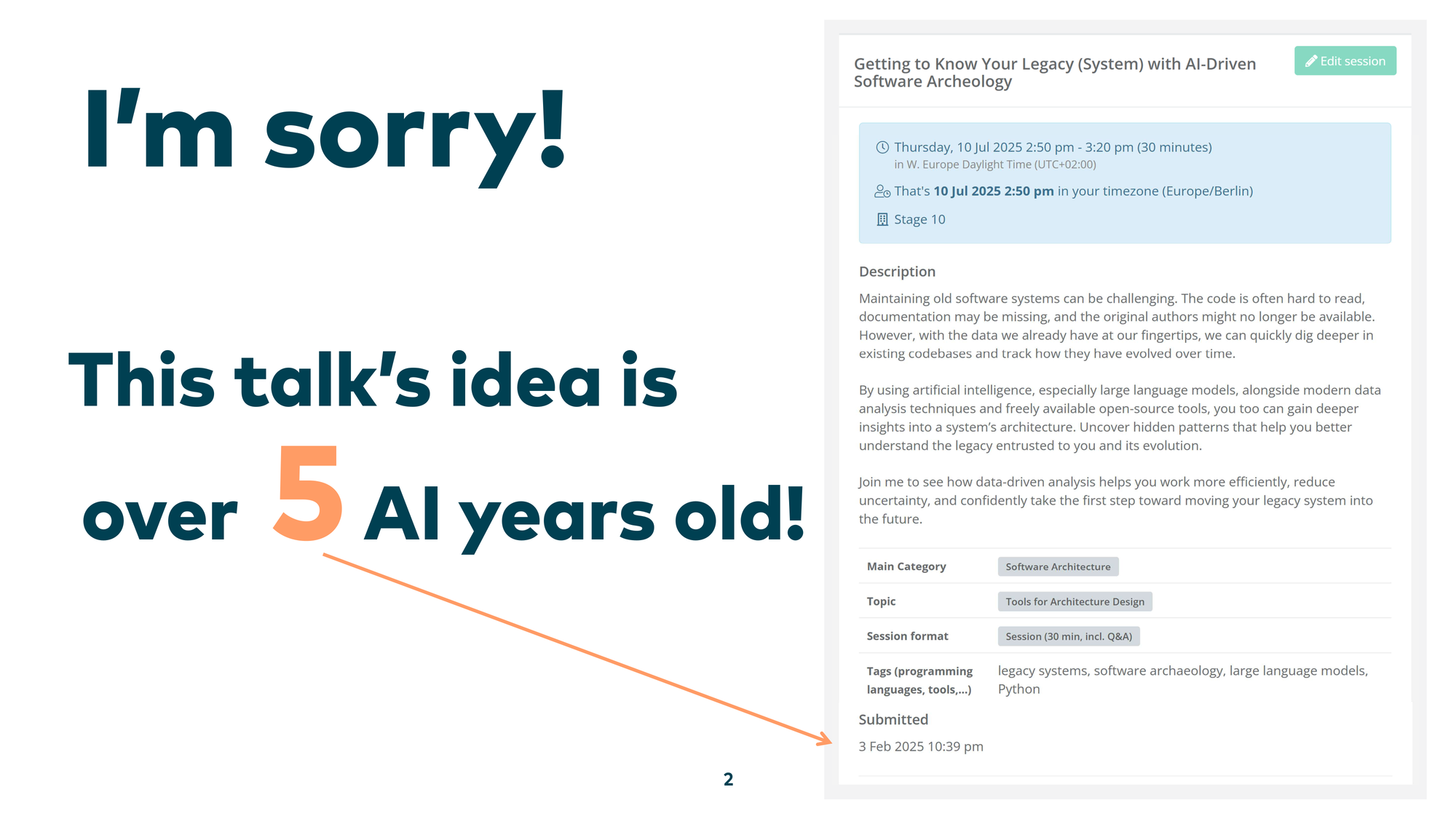
Let me start with an apology: the idea behind this talk is really, really old. About five AI years old — which means five months.
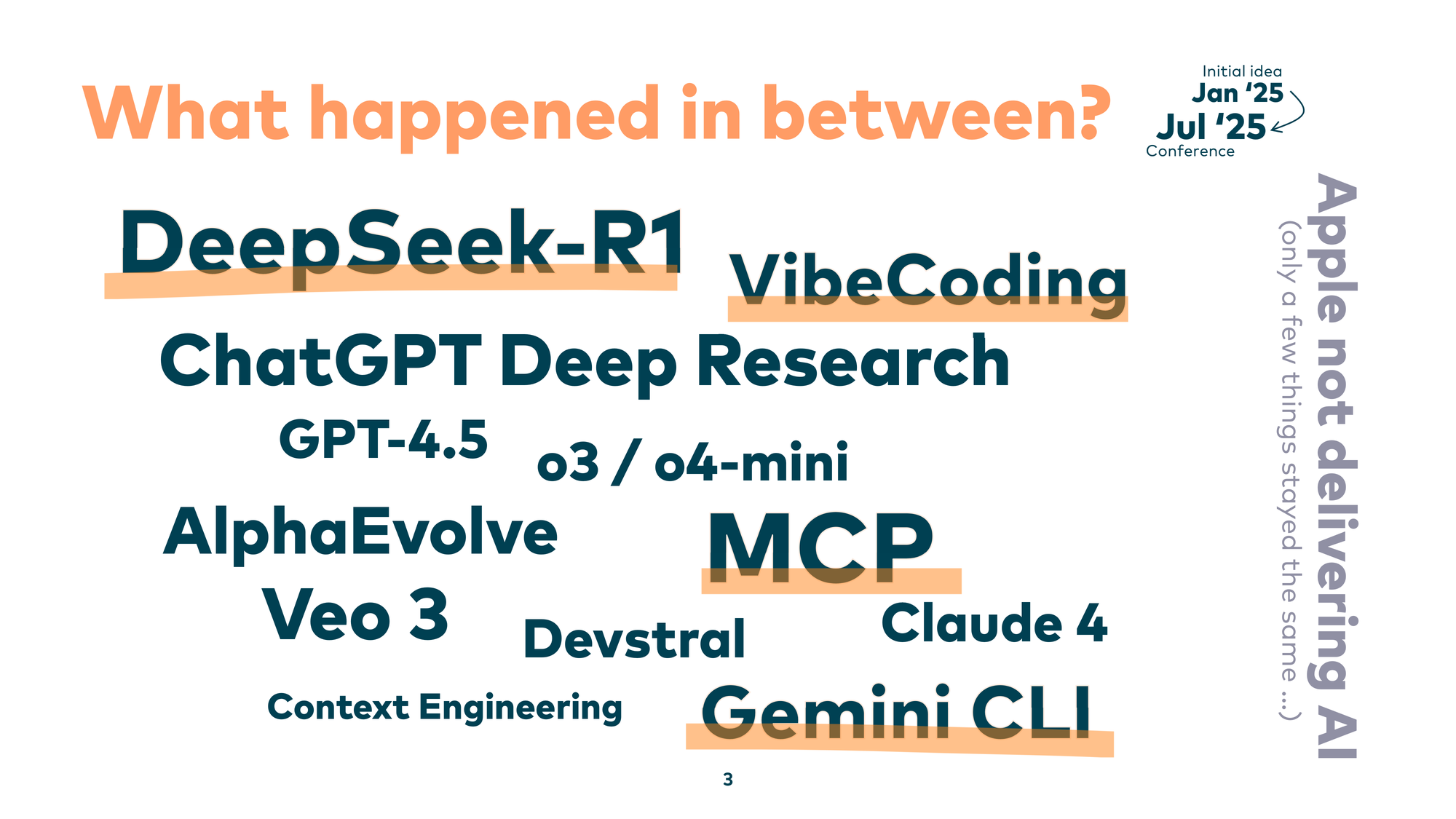
And boy, what happened in between. We had DeepSeek, vibe coding, MCP, Gemini CLI. So many things changed. Only a few things stayed the same — like Apple not delivering on AI.
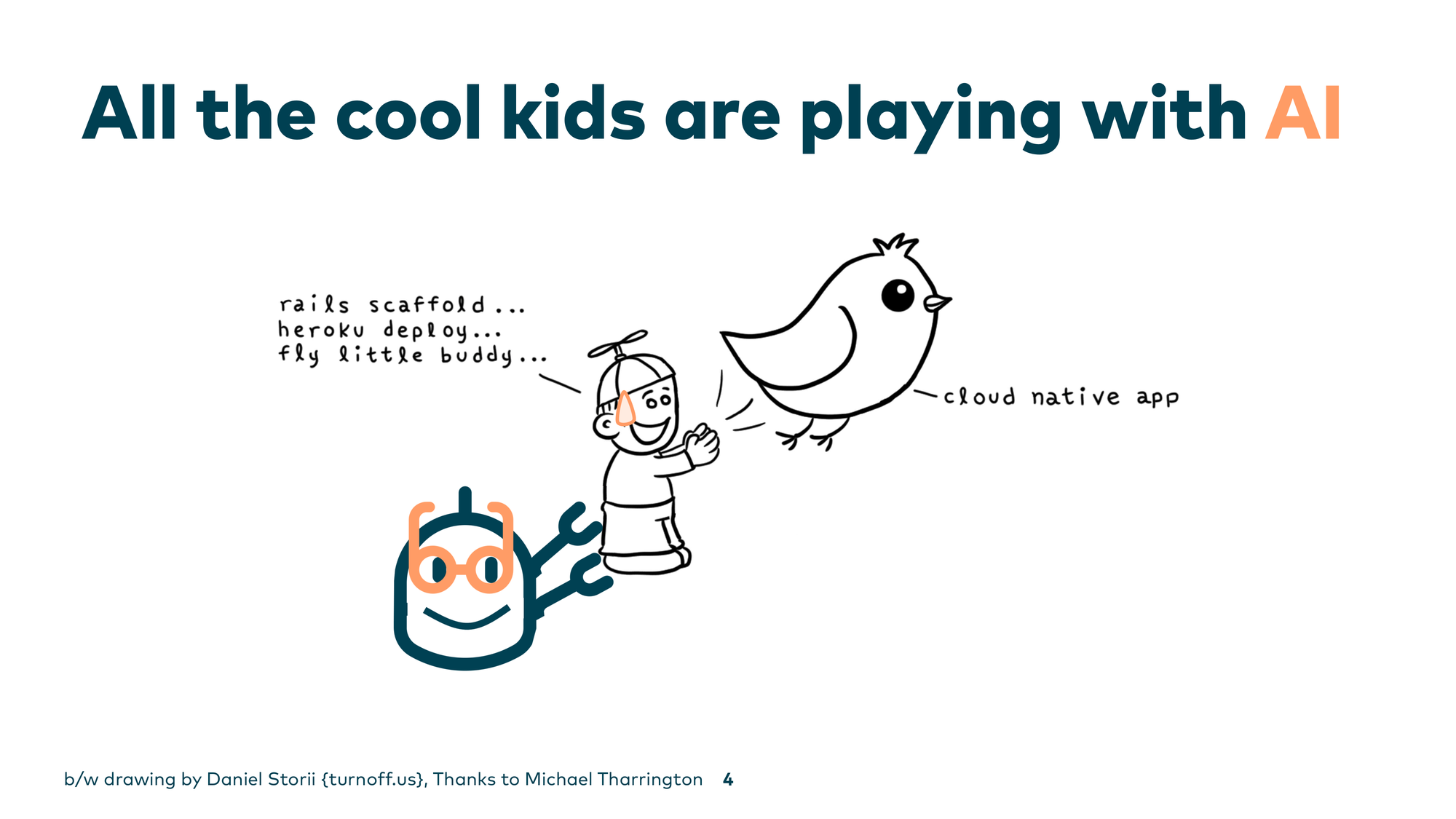
It seems that all the kids are playing with AI nowadays. Instead of copying and pasting from Stack Overflow, we now let large language models generate code directly into our IDEs. But there’s one big question: what about the 99% of developers who don’t start new projects on a daily basis?
We face different challenges. We have to deal with the real world, with legacy software. And maybe, if you tried applying those AI tools to your legacy codebase, your LLM ran away — because it was so scared of the code you wrote in the past.
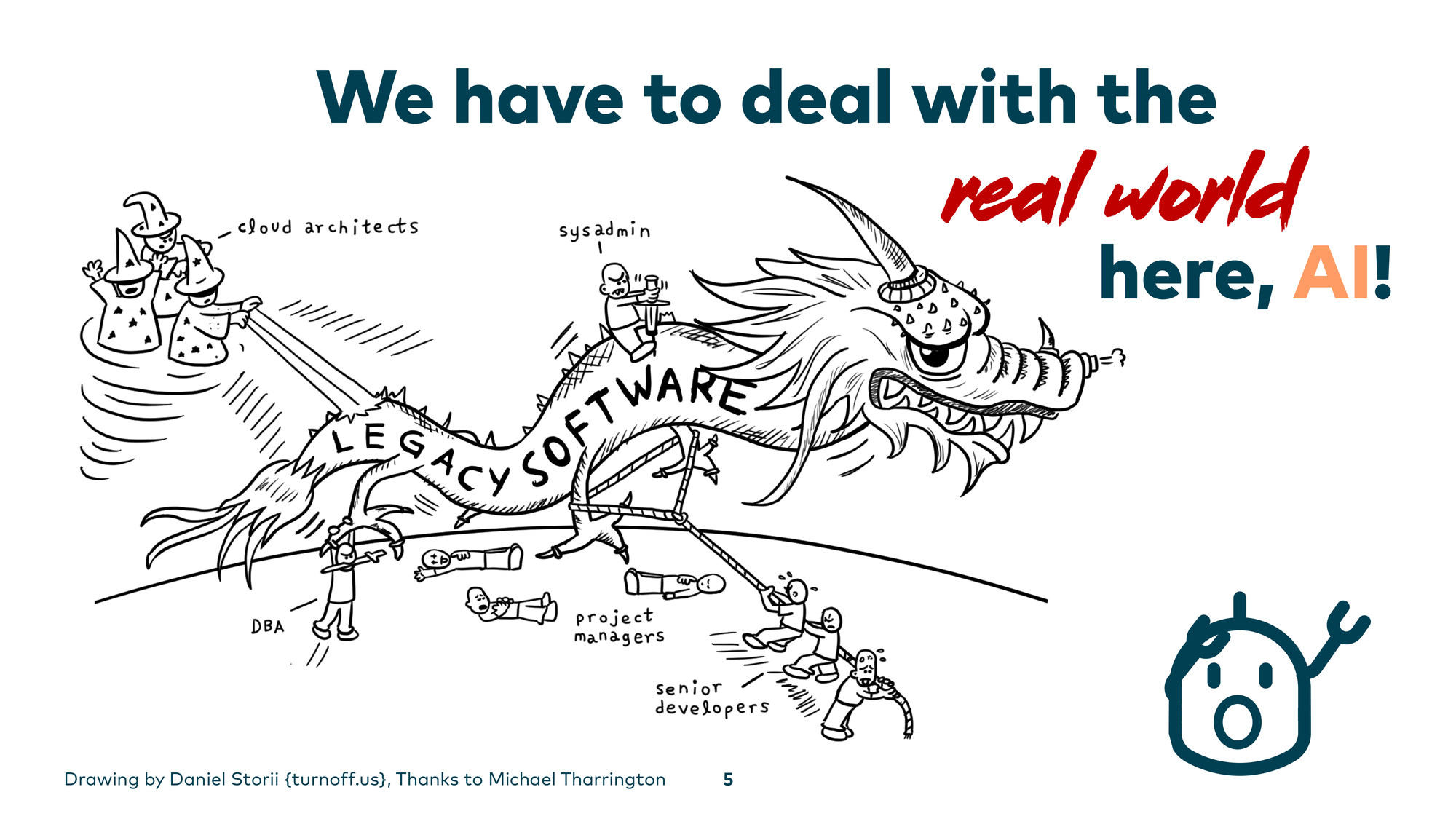
Legacy systems are a little different. In most cases they are undocumented, hard to understand, and their creators are long gone. Some of them are also written in ancient technology. This brought me to an idea: why not apply techniques from a field that also examines ancient things — archaeology?
So I call it software archAIology. I’m a genuine fan of the field, and I wanted to see how archaeological techniques map to legacy code work.
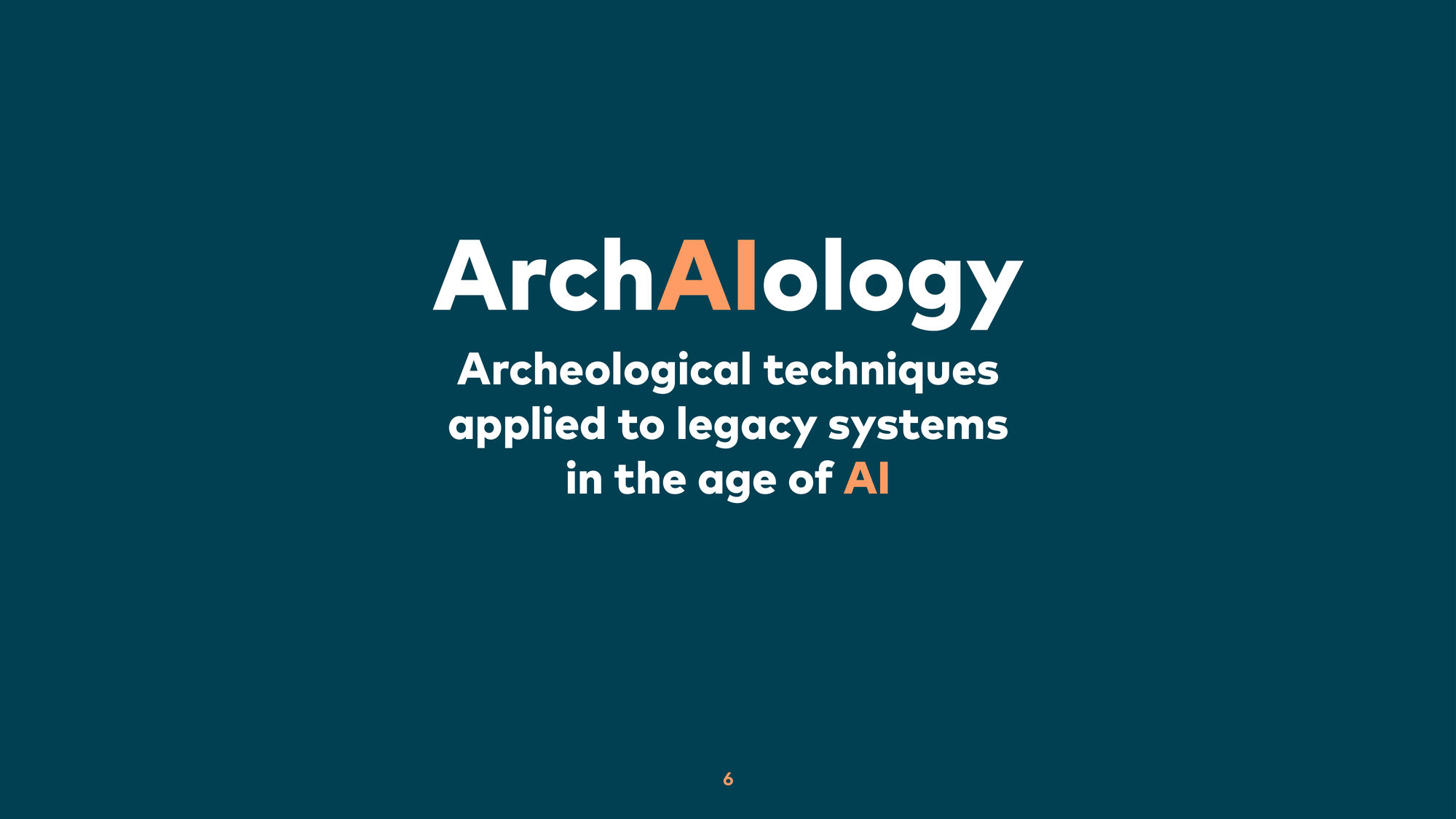
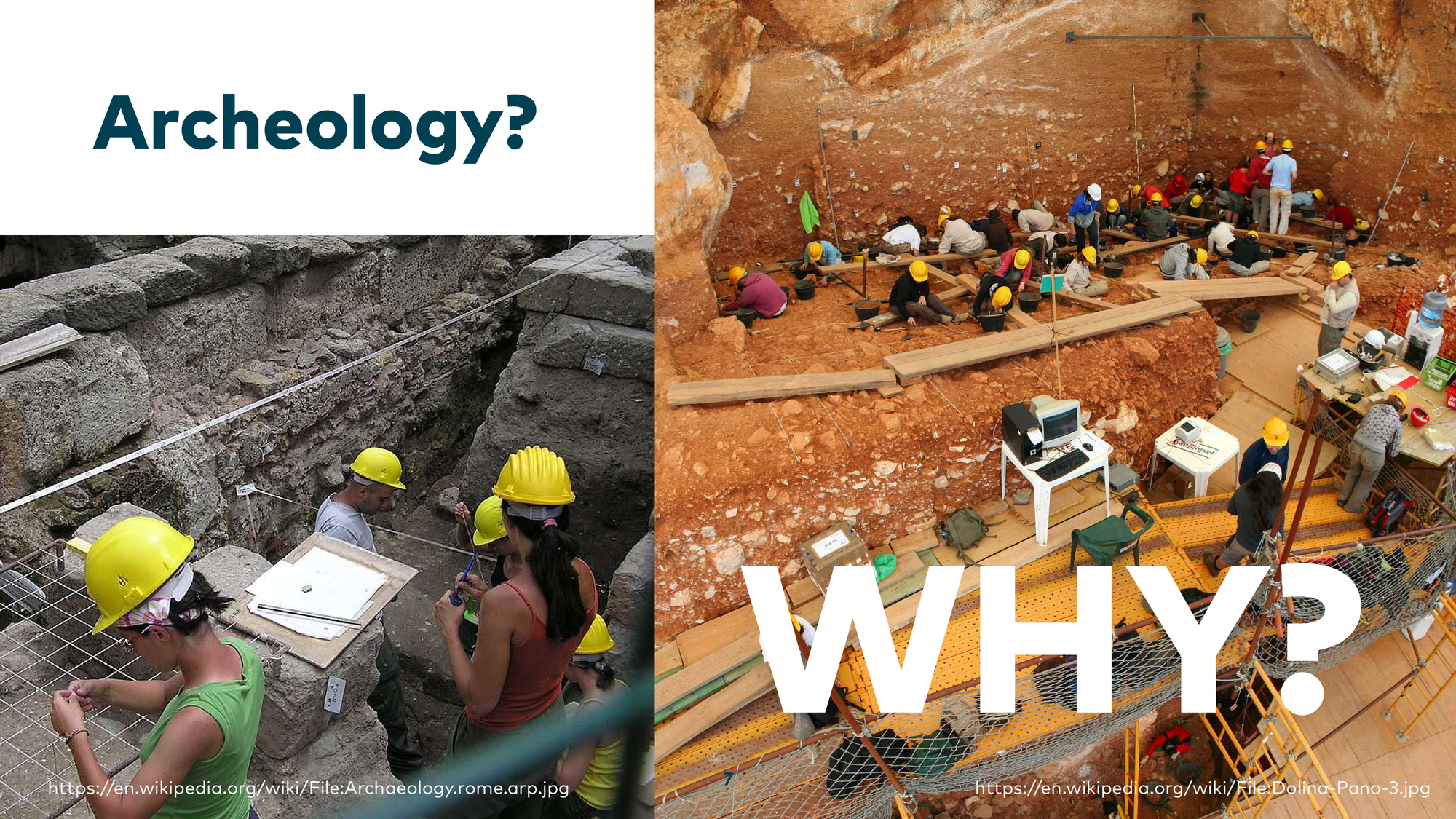
Why Archaeology?
Archaeologists don’t just dig in the ground and find funny figures. Archaeology is about getting inside the heads of our ancestors. That turns out to be extremely handy when you’re dealing with old codebases, because we also need to get into the heads of the former developers who left the company long ago.
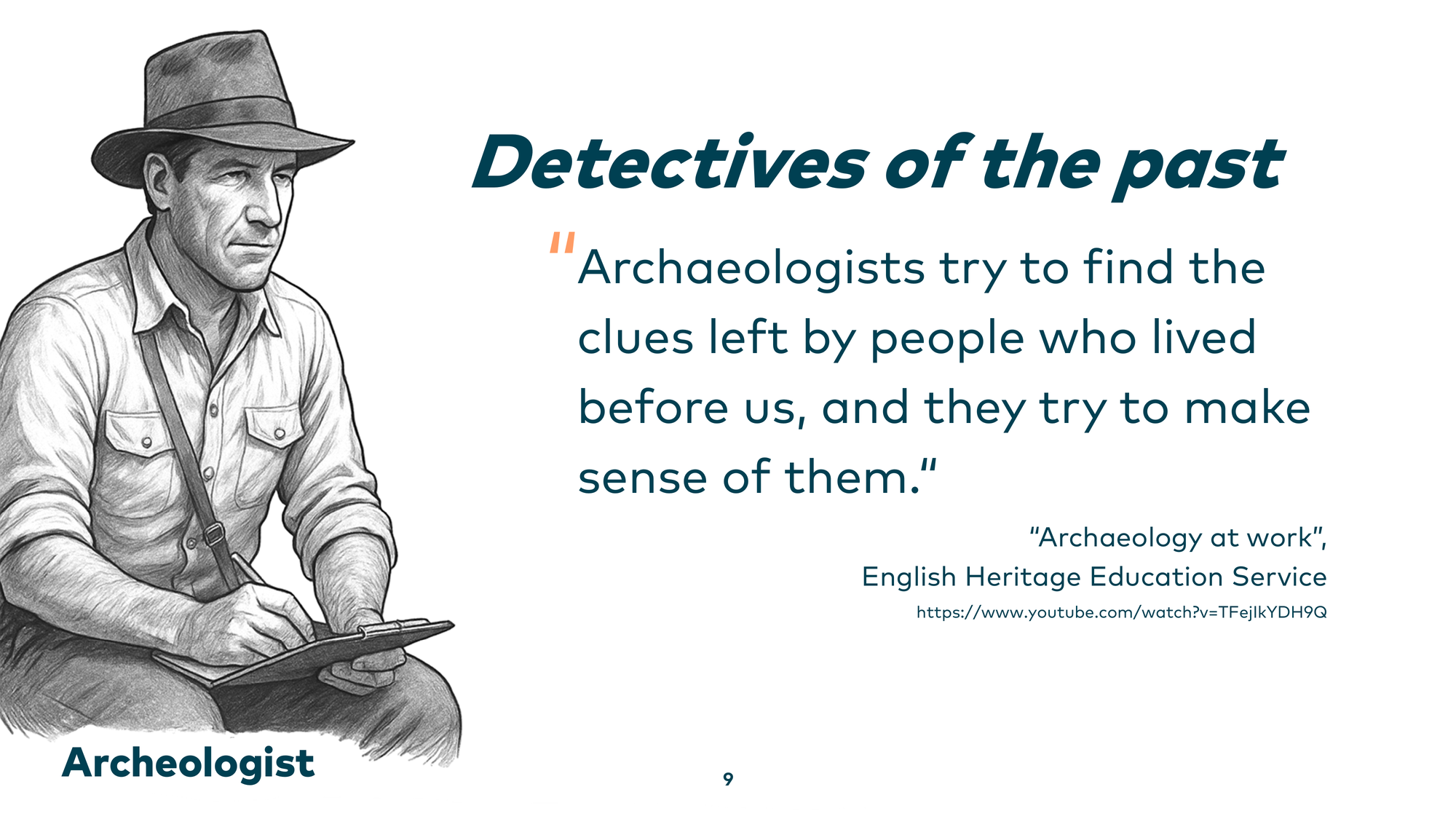
Archaeologists are sometimes called “detectives of the past.” They find clues left by people who lived before us and try to make sense of them. That’s exactly what I do when I work with legacy code.
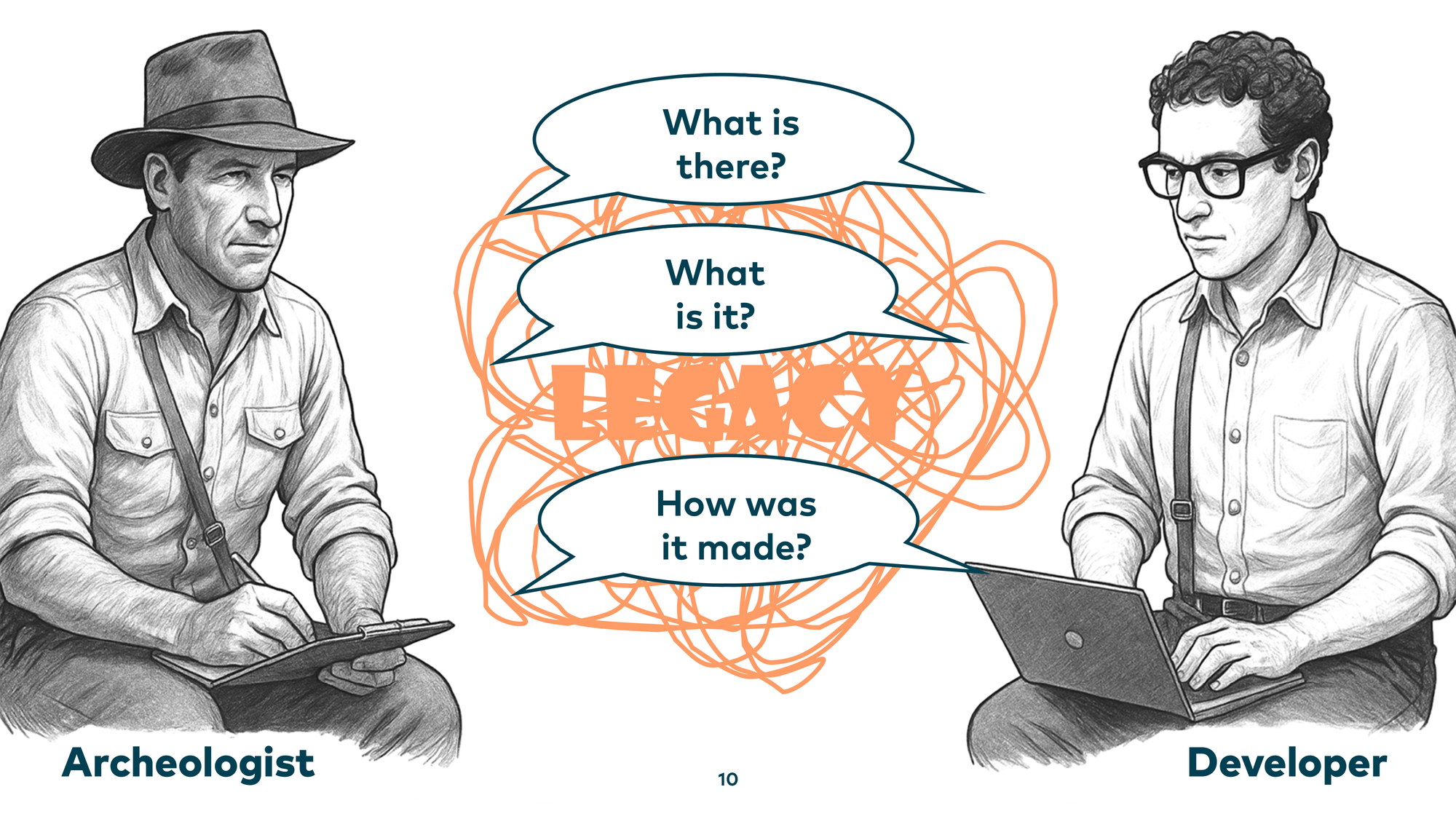
We face the same challenges: spaghetti code, artifacts lying around — and the same questions: What is there? What is it, exactly? How was it made? These are questions archaeologists answer — and by applying archaeological techniques to our codebases, we can answer them too.
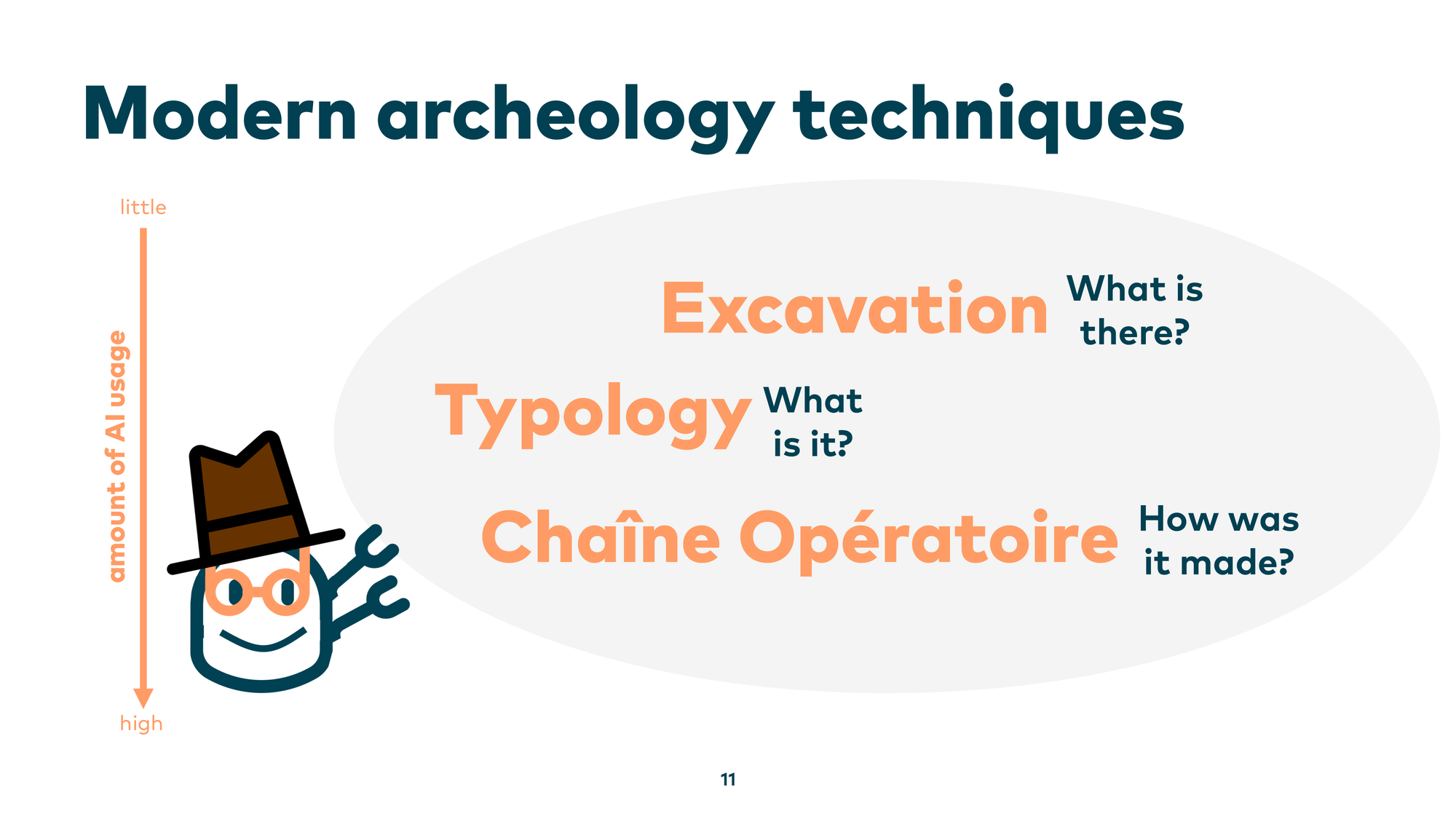
Today I want to introduce three modern archaeology techniques: Excavation, to answer “what is there”; Typology, to answer “what is it”; and Chaîne opératoire, to answer “how was it made.” And not just how to apply these techniques, but also how AI can help us dig deeper into our legacy systems.
Technique 1: Excavation
Excavation is where you approach a large site and try to learn something about it systematically. One common method is the Wheeler-Kenyon method: you lay a grid over the site and dig box by box, going deeper in a structured way rather than randomly. This prevents confusion and keeps findings organized.
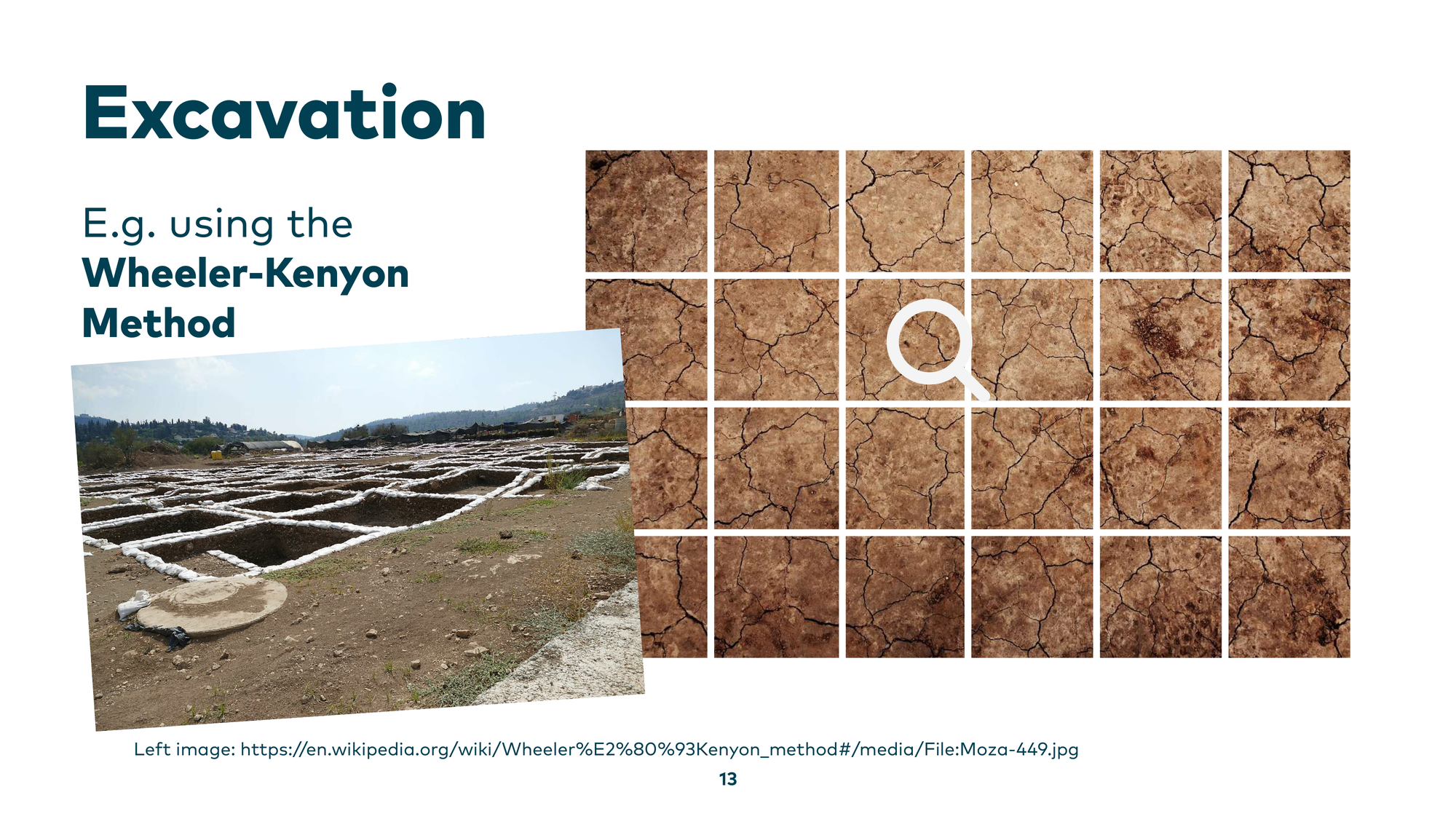
We can adopt this for legacy code too. We also have “mud” — or even a Big Ball of Mud — and we can lay a box grid over it using directories, file sizes, and git history, then build tree maps.
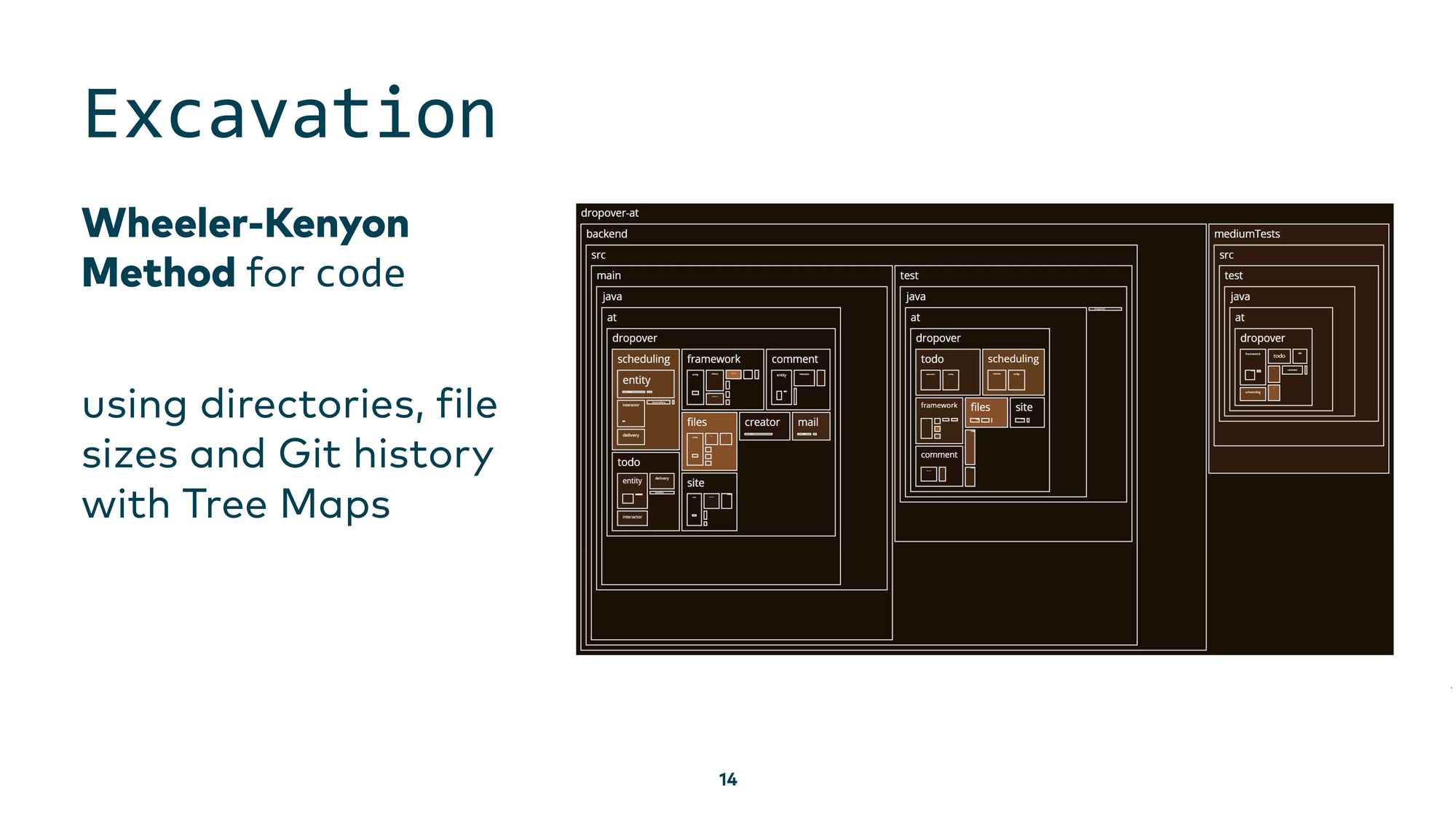
What can we see? Very dark regions represent old parts of the codebase, lighter ones represent newer parts. This helps us focus attention on different areas, understand what existed before our time, and see what is currently under active development. We can also drill down into a component overview with scheduling components and file components, seeing which are newer and which are older — then zoom in even further to see which developers worked on specific parts recently.
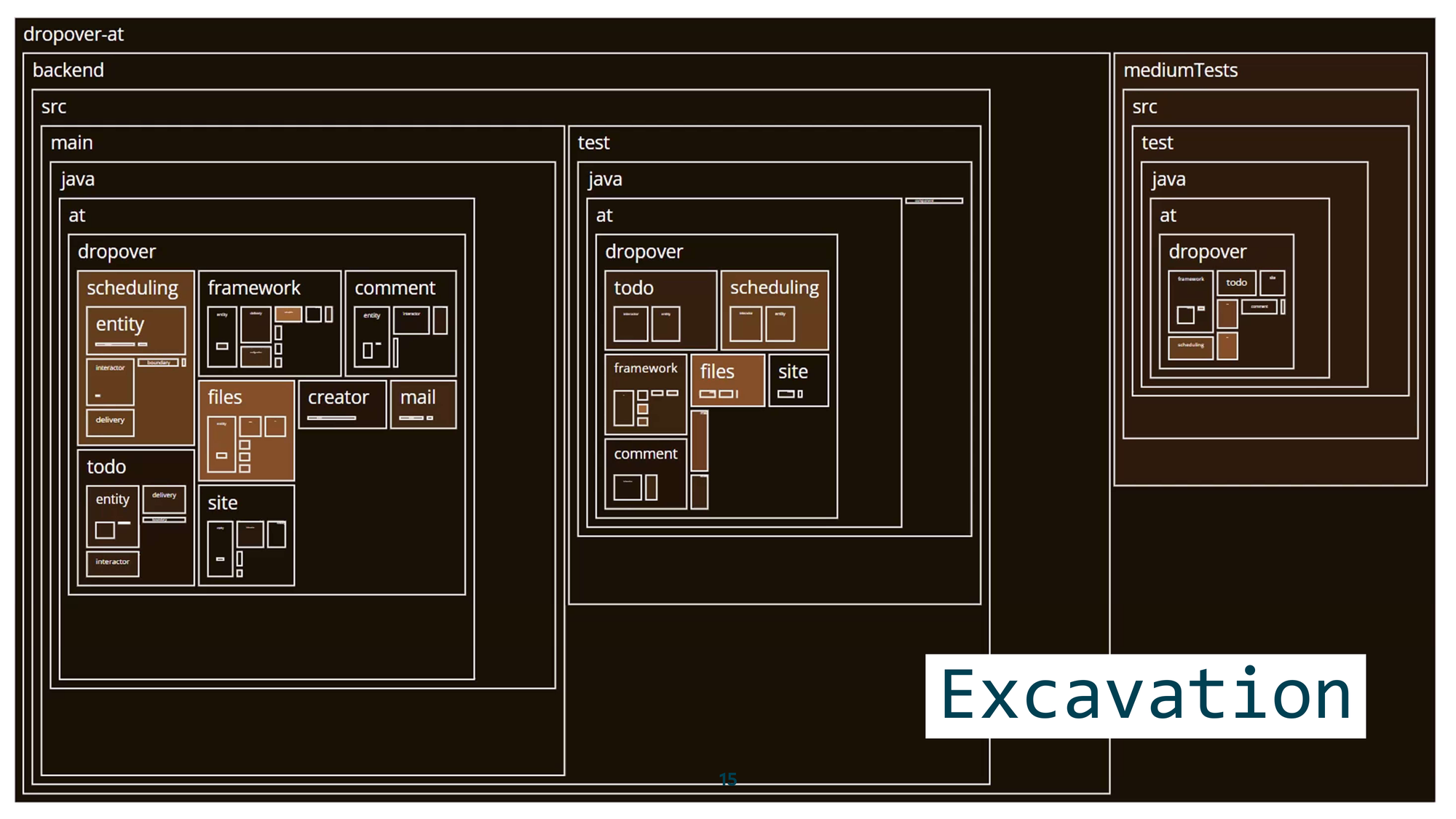
This first step of exploration helps you get familiar with the codebase, even if you have no idea where to start.
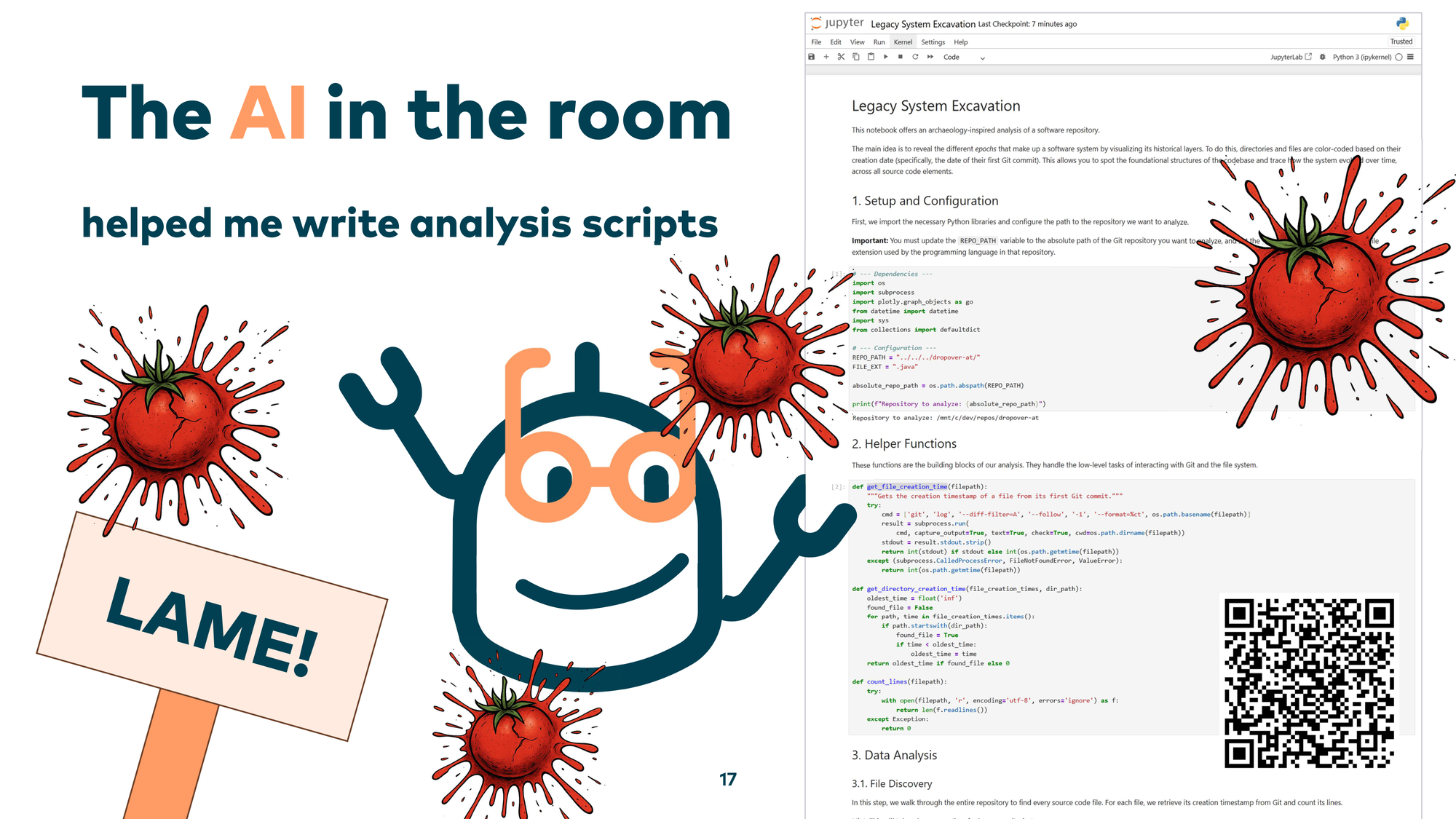
Now — there’s an elephant in the room. This is also a talk about AI applied to legacy systems. Where was the AI in that visualization? The AI’s role was to help me write the analysis scripts when I needed a very specific view of the system. It’s like building your own shovel to efficiently dig deeper into your own codebase. I know, throwing tomatoes is tempting now — but having an AI assistant or agent generate those scripts works really well. Large language models have seen all of my analytics notebooks from the past, with plenty of examples of this kind of archaeology work.
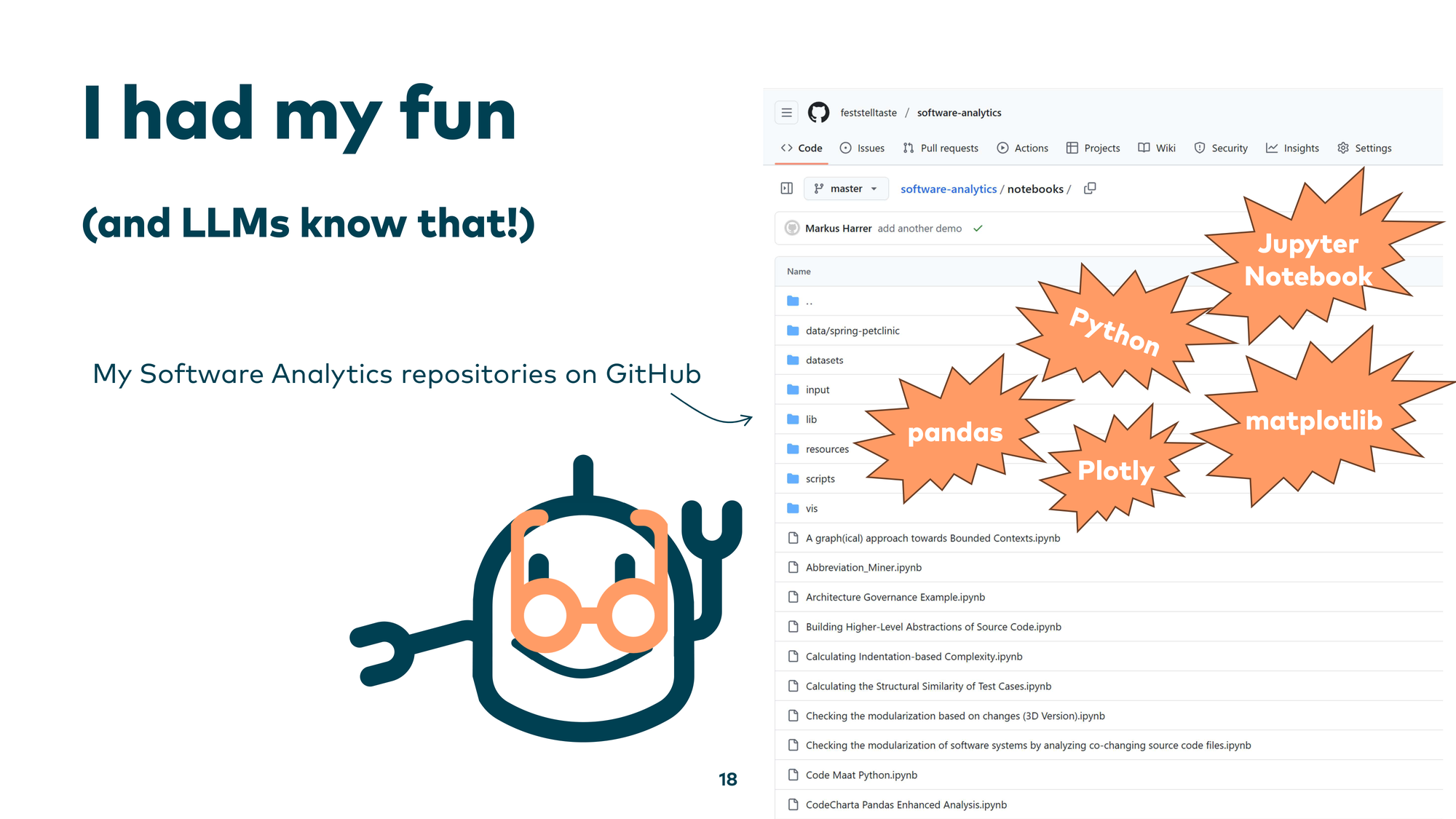
Everything is open source. You can use Python, Jupyter Notebooks, Pandas for data analysis, and visualization libraries like Plotly or Matplotlib — and ask an LLM to generate similar analysis scripts tailored to your own circumstances.
Technique 2: Typology
The next technique is typology, where we ask: “What is it?” In classical archaeology, you have a large number of fragments and need to figure out what each one is and where it belongs — you reconstruct artifacts from scattered pieces, sorting them by shapes and kinds.
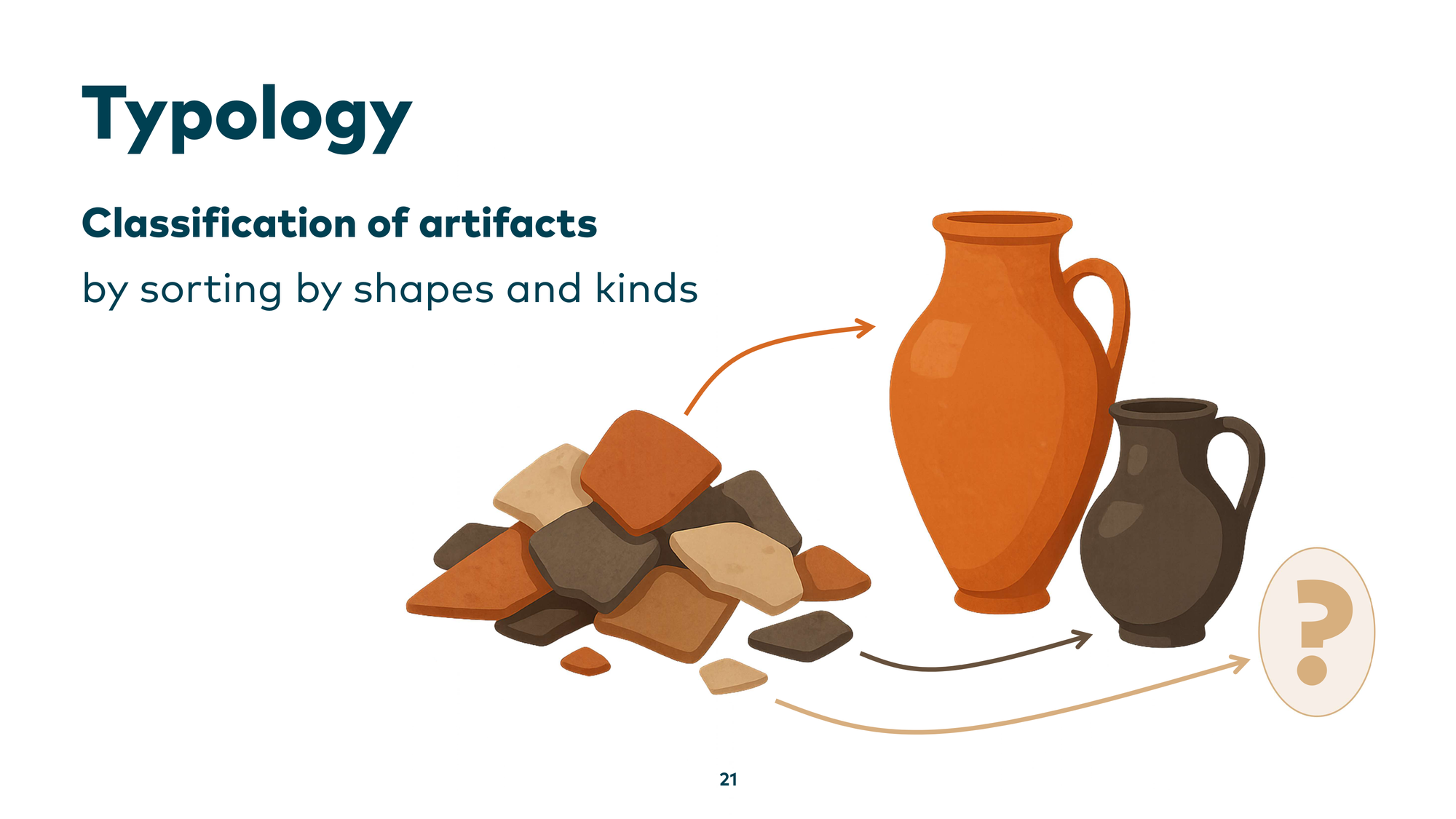
We can do the same in software: take scattered source code files and organize them into a higher abstraction layer. For example, in a Java application with many classes implementing business logic, typology means identifying and grouping recurring technical or business patterns. Once you know one member of a group, you have a head start understanding all others. You can also organize by business perspective — grouping everything related to “customers” in a CRM system, for instance — so you understand concepts rather than individual lines of code.
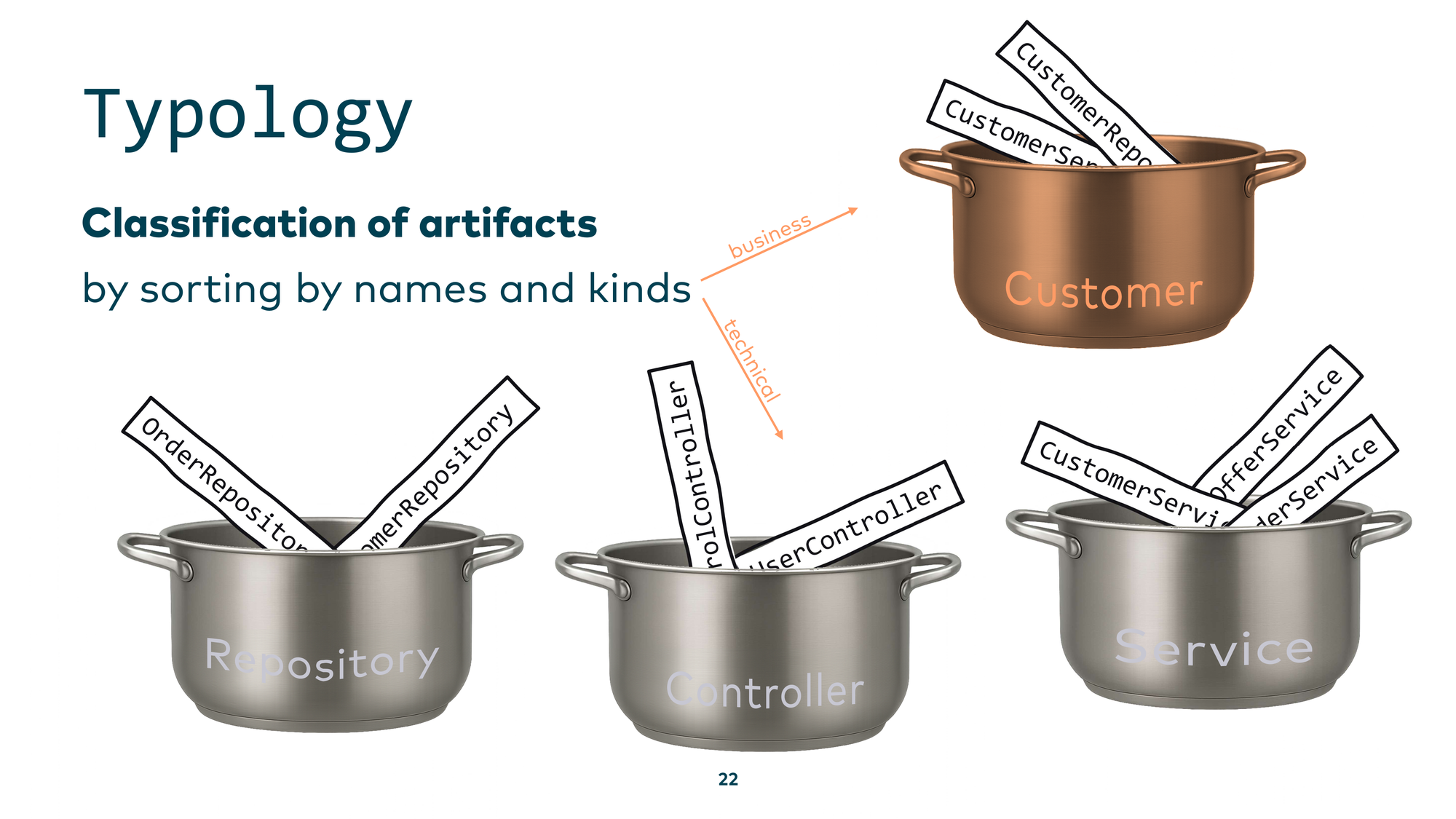
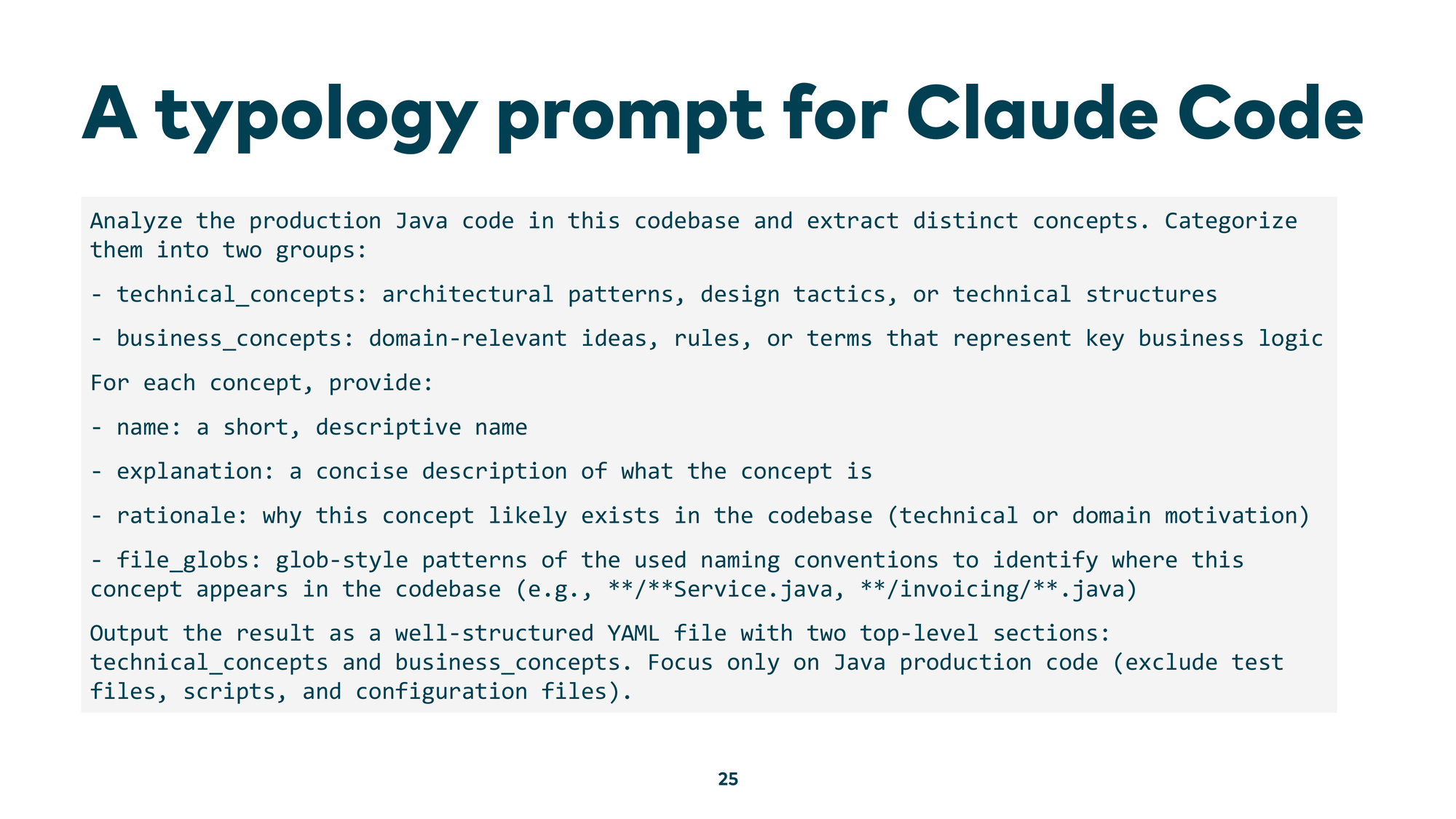
Doing this by hand across millions of lines of code is tedious and repetitive — a perfect use case for AI. You look for recurring patterns, assign them to concepts, then use those concepts to understand the rest of the code. You can do this manually with regular expressions, or you can use a script — but developments moved so fast that you can now simply ask an LLM directly in Claude Code or Gemini CLI: “please analyze the production Java code in this codebase, extract distinct concepts, and categorize them into groups.”

Here’s an example prompt that works well:
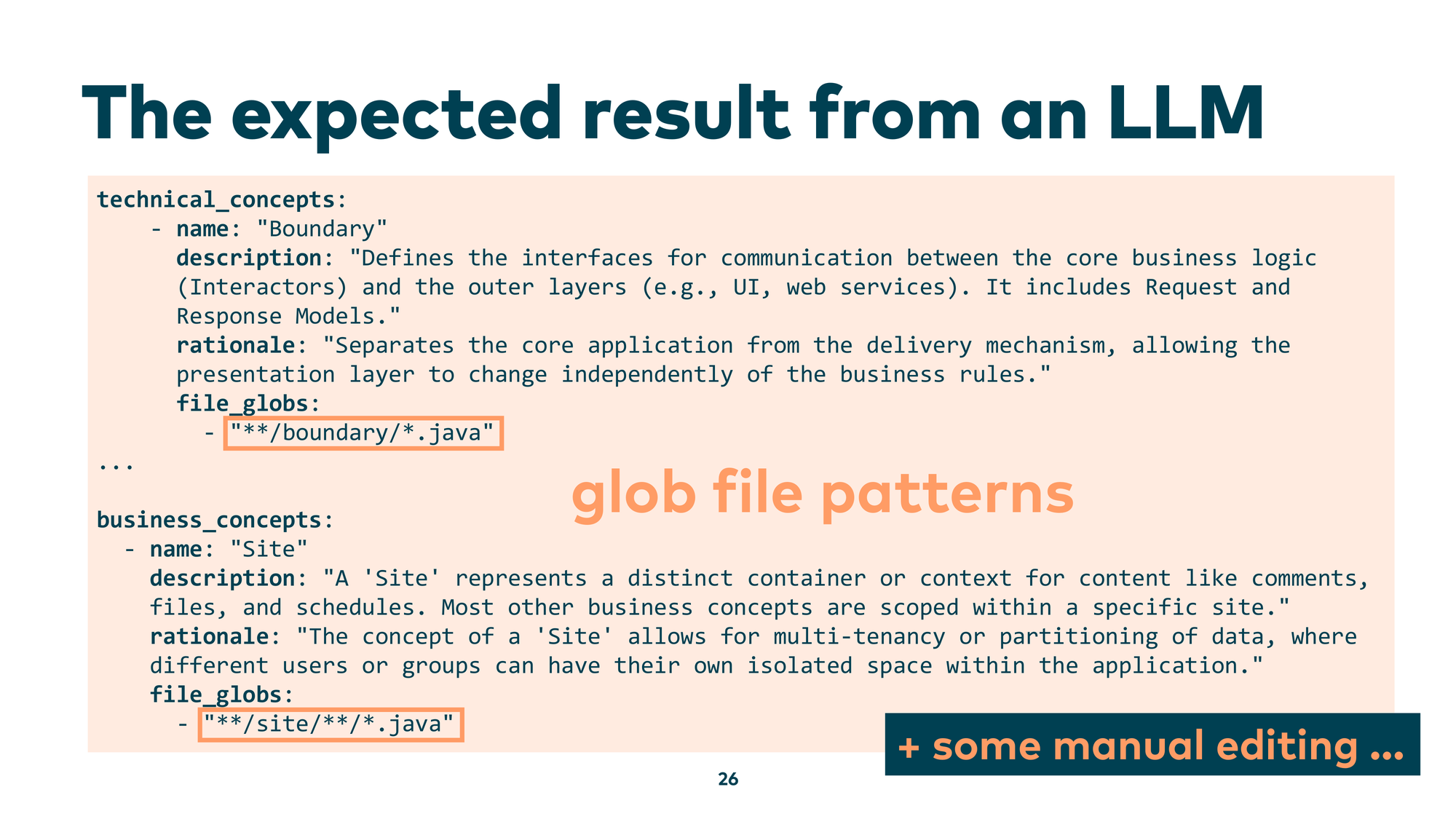
What you get back is a descriptive overview at the concept level. The LLM identifies technical patterns like “Boundary” — an interface between the core business logic and the outside world — and gives you a whole vocabulary of patterns your codebase uses. You can also ask for business concepts: “What domain problems is this code actually solving?” And you get back descriptions like “Site — represents a distinct container or context for content” — a great starting point. Crucially, the LLM also gives you the naming patterns associated with each concept, so you can search your file tree for all files implementing it.
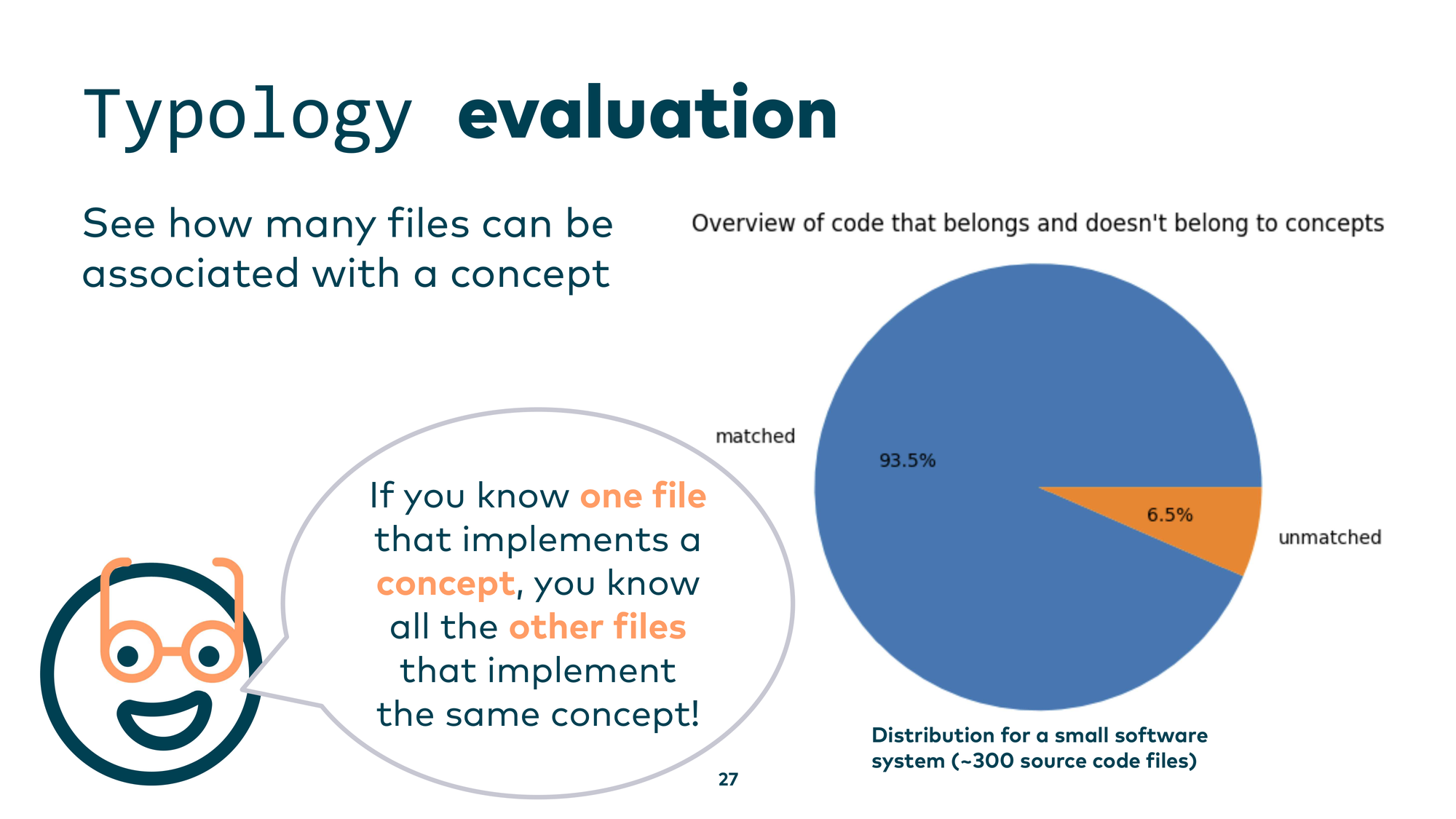
Once you’ve reviewed and validated those concepts, you’re no longer working at the source code level — you’re working at the concept-and-pattern level. You can then evaluate coverage: which source code files are covered by a known concept, and which aren’t? If you encounter an unfamiliar file but know it belongs to a concept you already understand, you get up to speed fast. For a small system of around 300 source code files, 93.5% were matched to a concept.
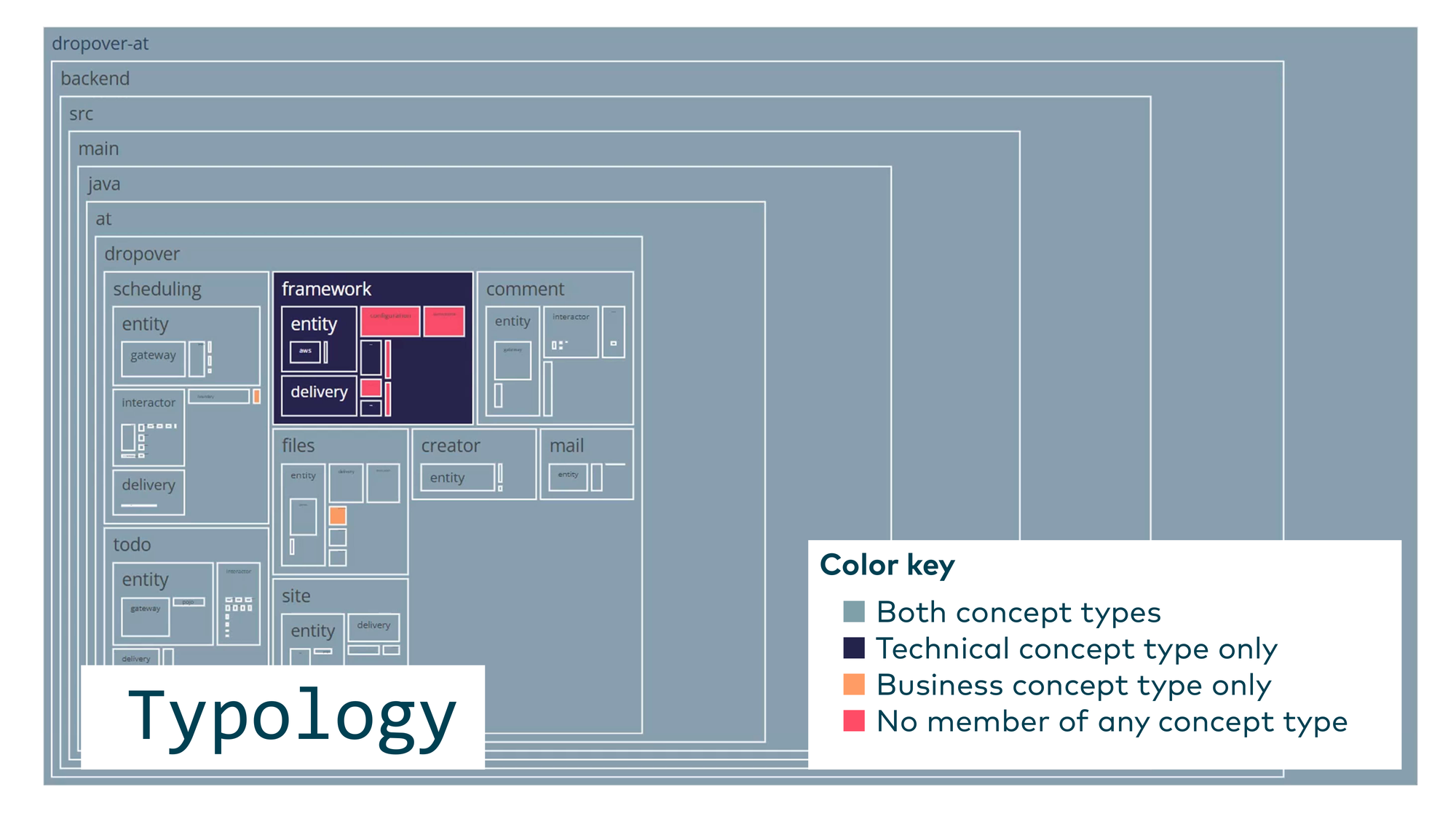
You can visualize this as a tree map with color coding — for example, one color for files with only technical concepts, another for purely business concepts, grey for files covered by both. This tells you where your code is well-understood, where it mixes concerns, and where the LLM — and likely your team — has no clear mental model at all.
Conceptual Integrity Check
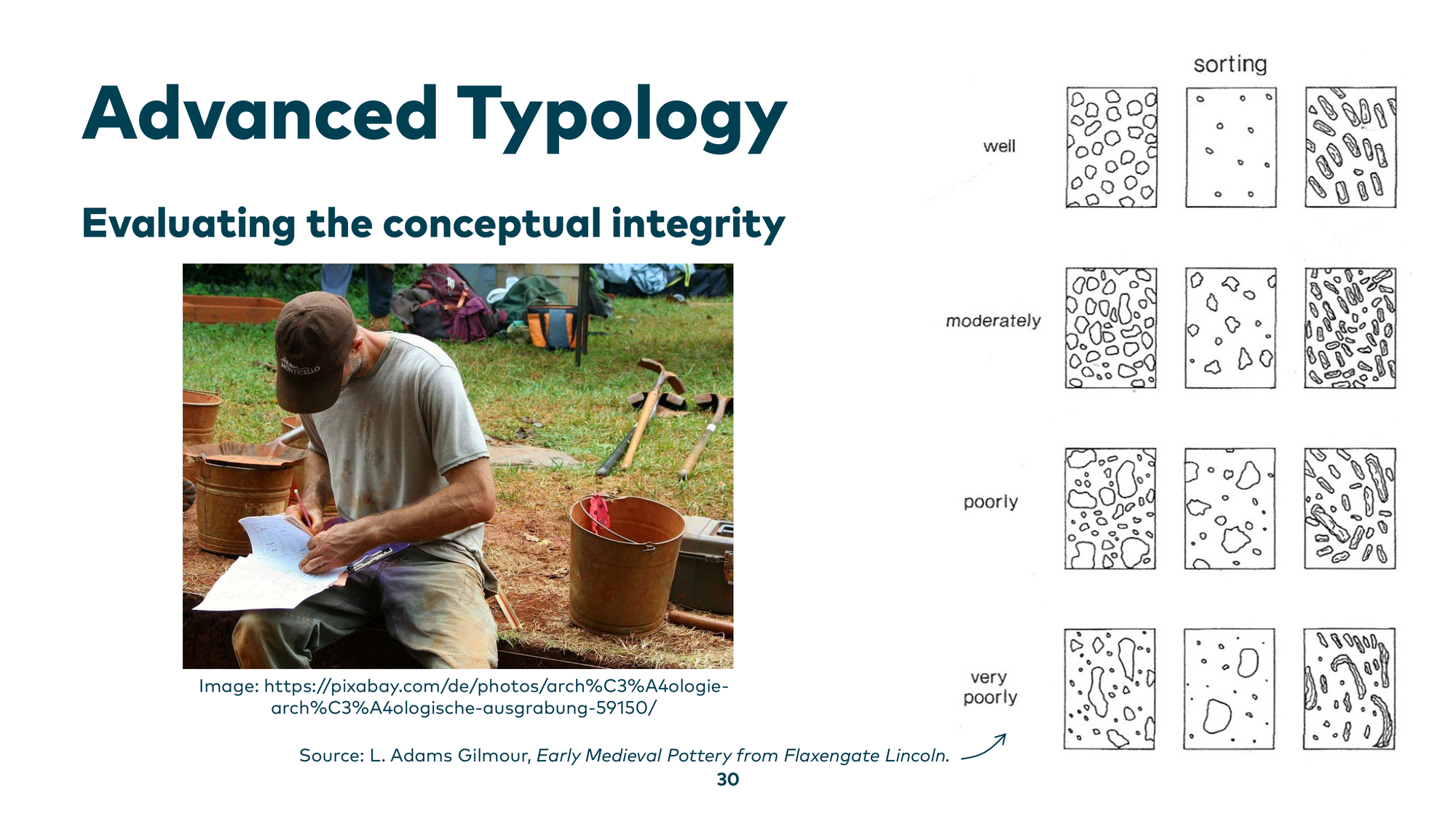
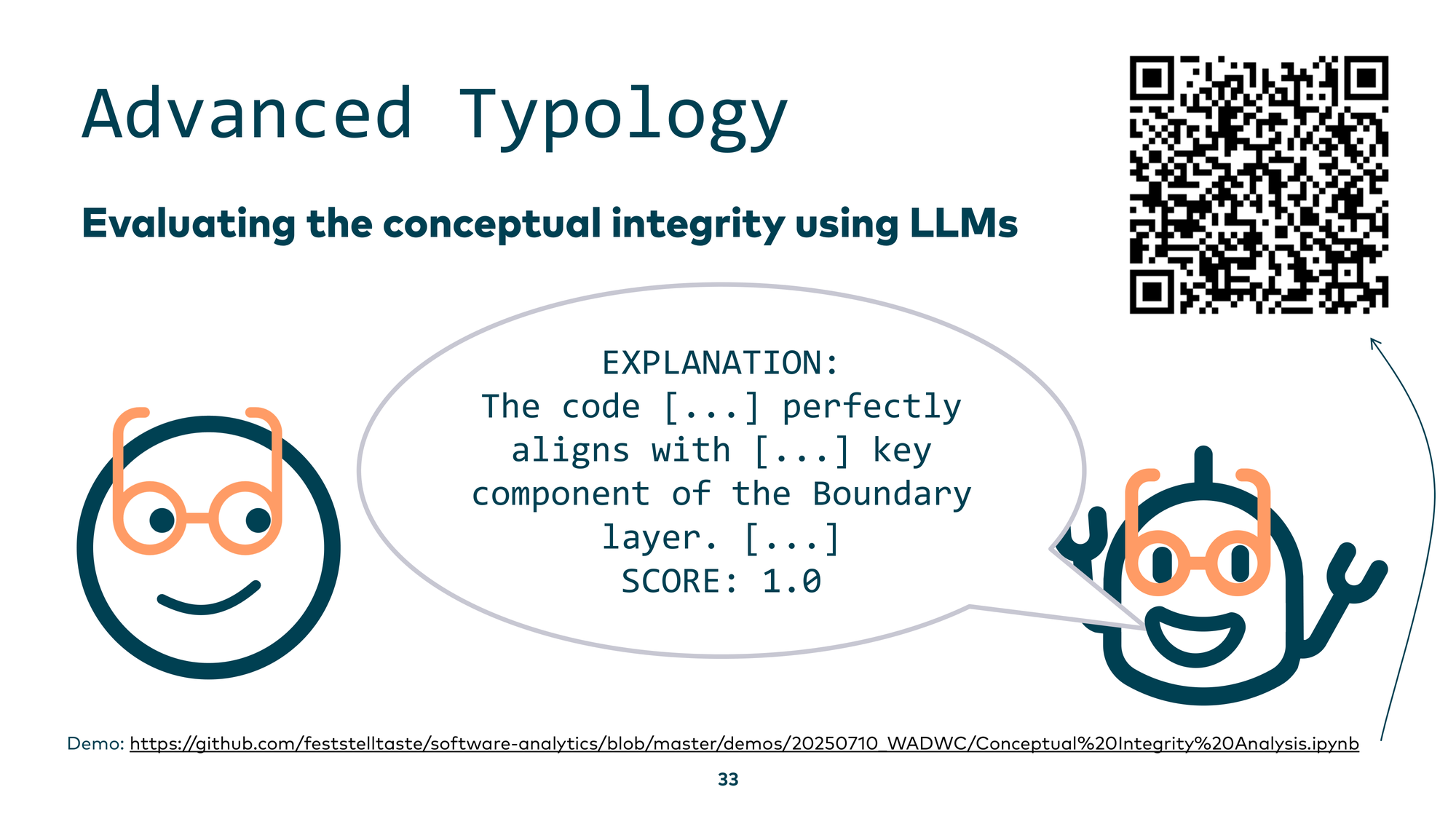
There’s a further step: checking the conceptual integrity of the patterns you’ve found. The idea is to assess whether a concept is consistently and faithfully implemented, not just named consistently.
Here’s a small example. Suppose you have a concept called “Service” that is supposed to serve cold beer. You have four service classes: A, B, C, and D. You ask an LLM: “Does this class faithfully implement the concept of a cold-beer-serving service?” AService serves ale — close, but not quite beer — moderate score. BService serves beer at 100% fidelity — high score. CService serves coffee — lower score. DService serves doughnuts — very low score.
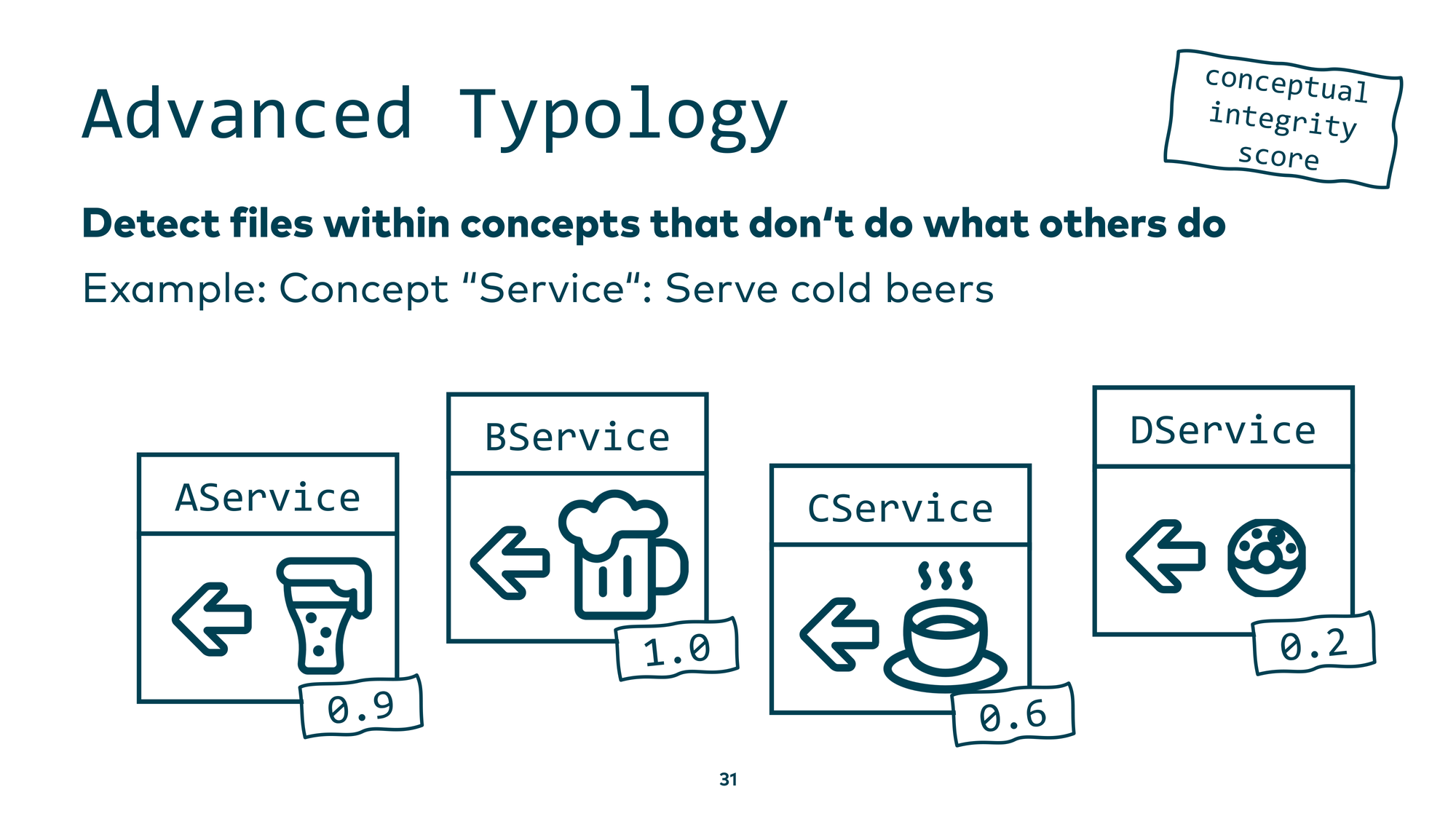
You can automate this in a simple loop and, within a reasonable API budget, ask your AI assistant to analyze each source code file and score how well it implements its assigned concept. The scores are consistent and explainable — I verified this.
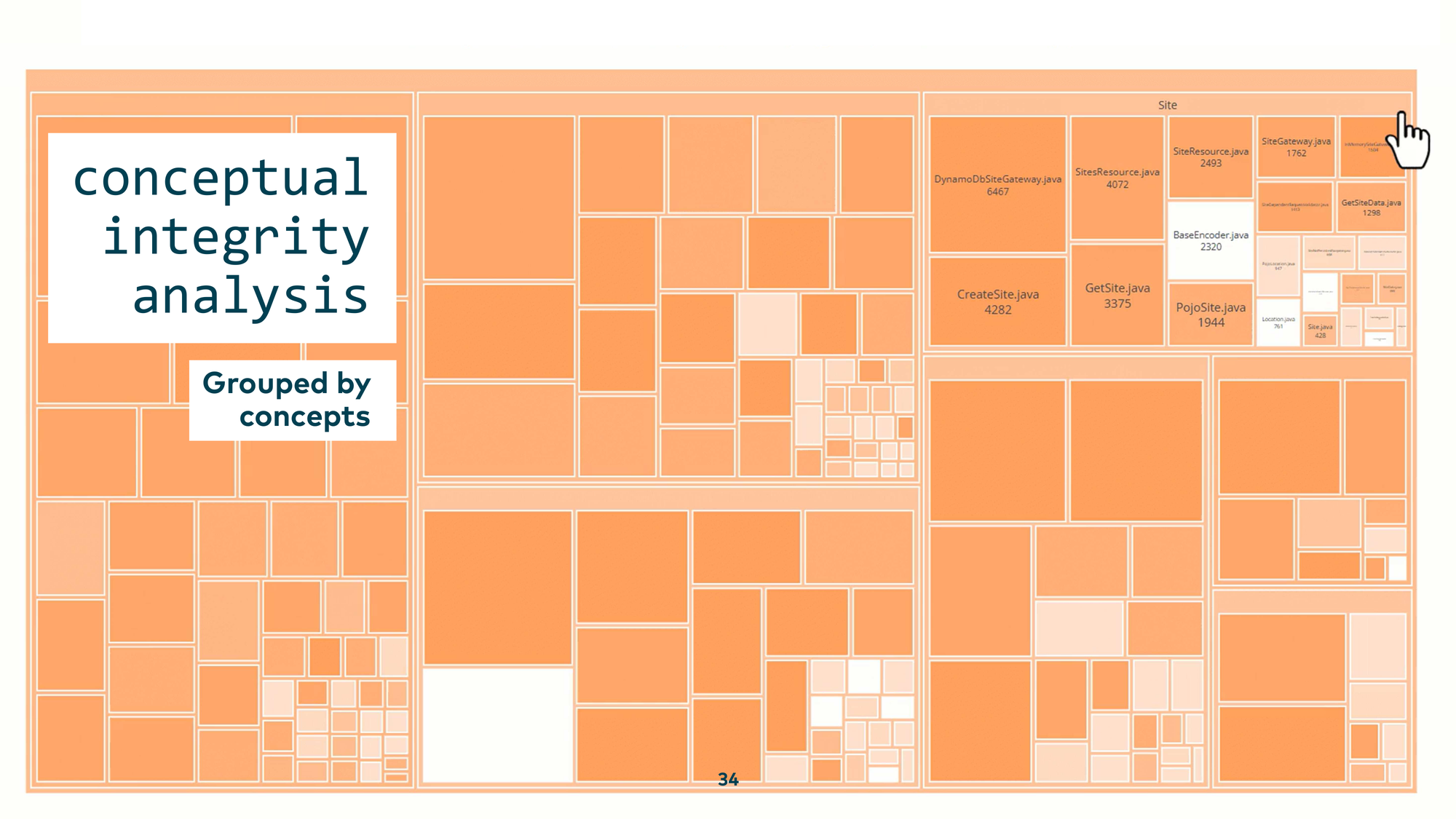
Visualized as a tree map, you can see the conceptual integrity of every concept at a glance. Within the business concept “Site,” there was a BaseEncoder class that has nothing to do with sites, and a CreateTimeDivJava class that doesn’t belong in the comment-section concept. These mismatches become visible immediately.
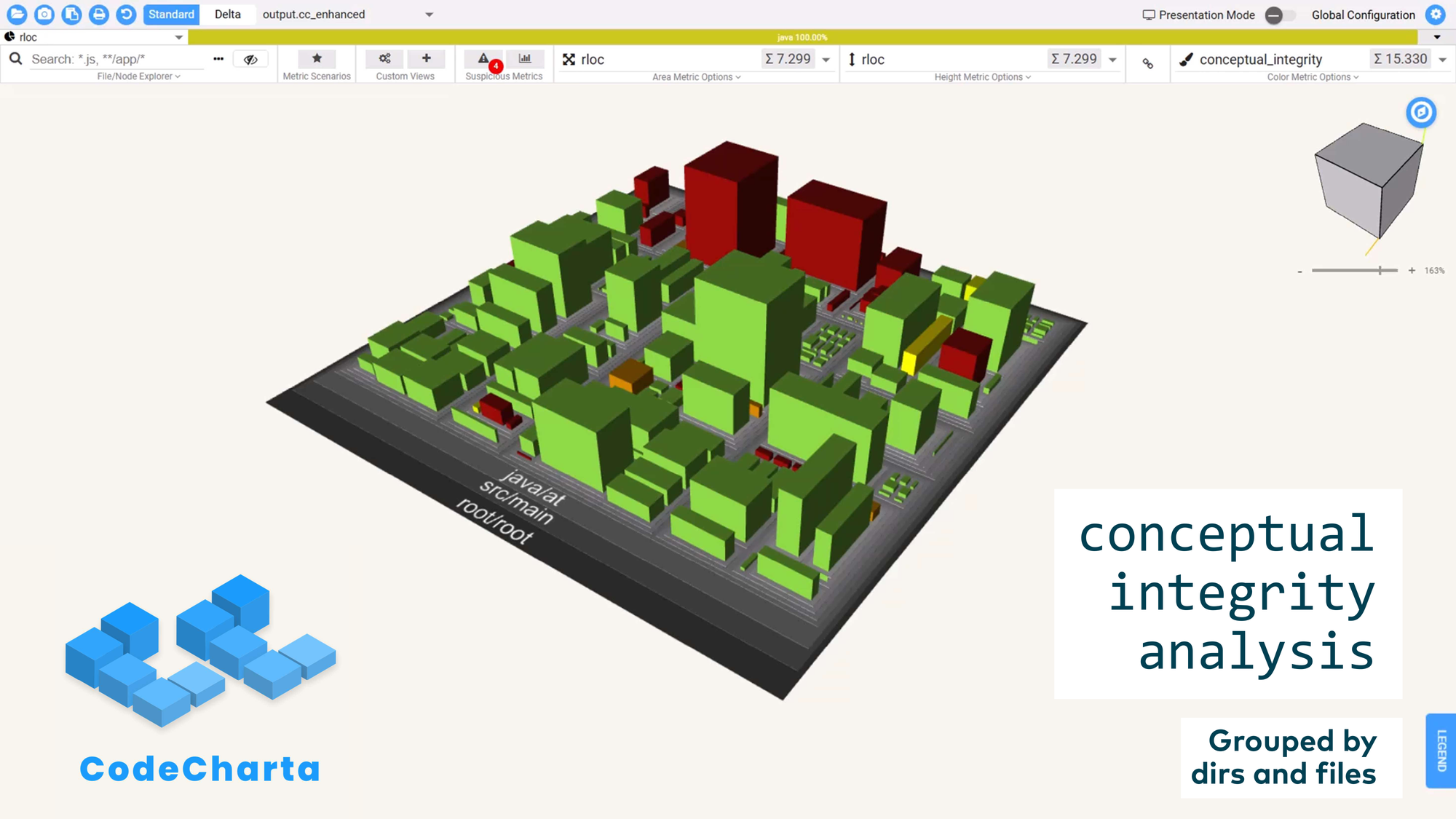
You can also export this metric to other tools. CodeCharta is an open source tool where you can load arbitrary data and visualize your entire codebase like an ancient city — seeing which districts are structurally sound and which are not.
Technique 3: Chaîne Opératoire
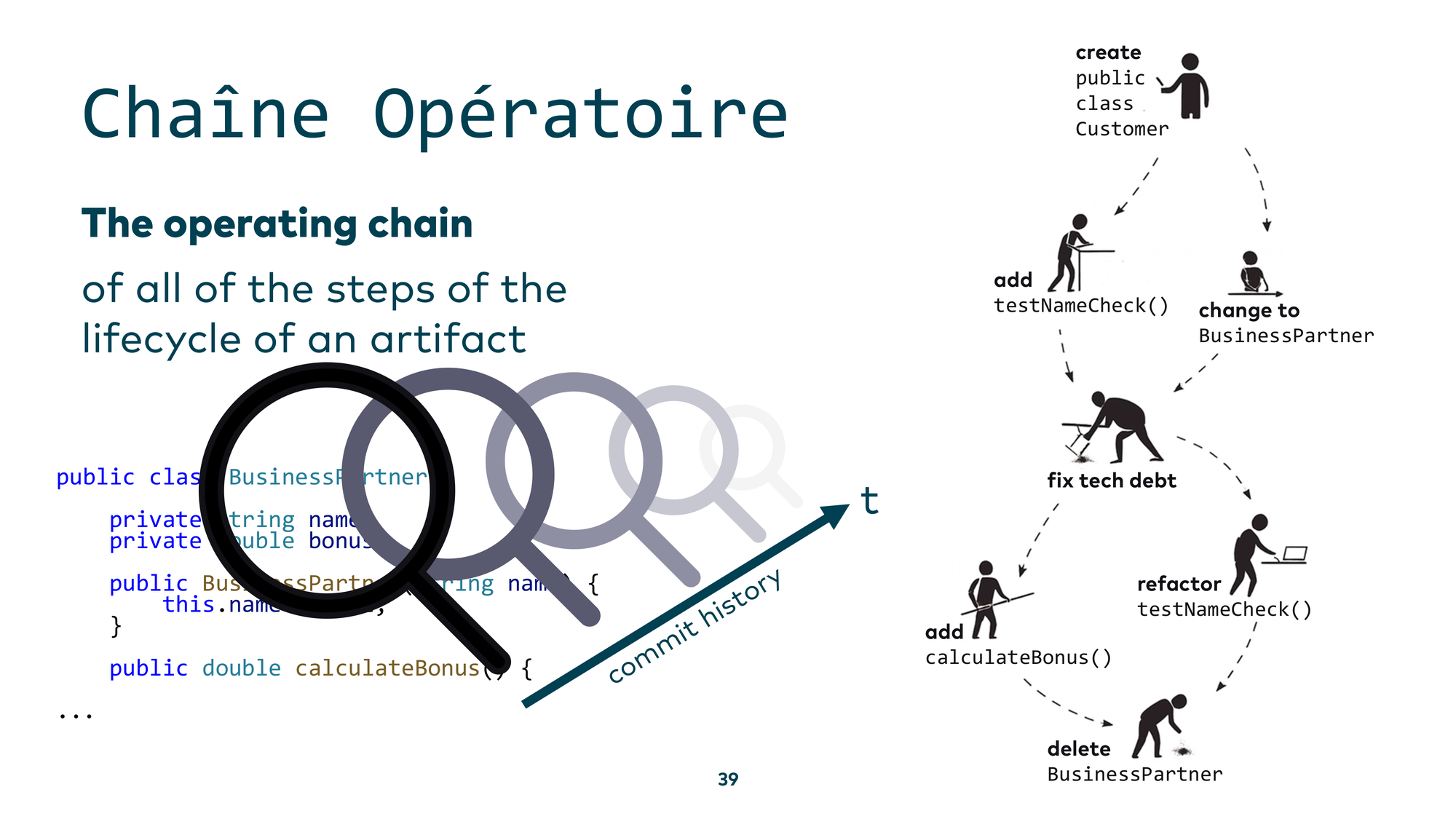
The third technique is the chaîne opératoire — a French term for the operating chain. It answers the question: “How was something made?” The core idea from archaeology is to find an artifact, determine how it was used, how it was created, how it was repaired over time, and reconstruct the full chain of events that brought it to its current state.
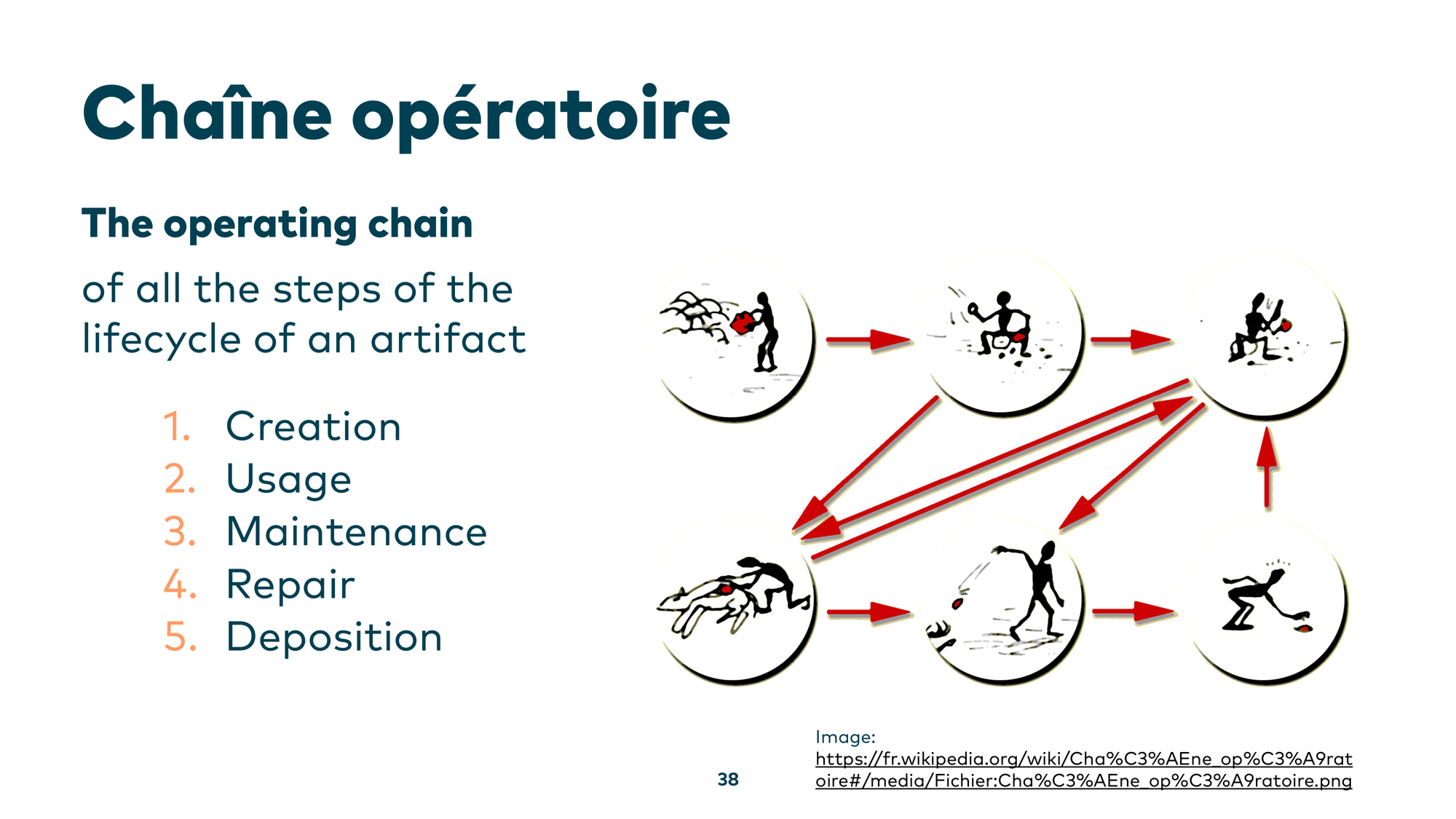
Applied to code: you have a class — say, BusinessPartner — and you don’t know why it ended up the way it did. The natural step is to look at the git history and then have an LLM build a chaîne opératoire: a narrative of what happened to this component over time, and why it is the way it is today.
For the final demo, I considered showing live coding in a Jupyter notebook — but then I tried this with Gemini CLI instead. Do we even need the custom analysis code anymore, or can we just tell an LLM to build the historical chain for us?
I asked Gemini CLI: “Create a chaîne opératoire for the scheduling component we found in our concept analysis.” After an initial attempt that produced a generic workflow diagram rather than a proper chaîne opératoire, it failed.
But the failure wasn’t due to the model’s limitations — it was due to poor prompting. When I described precisely what I wanted: “Create a summary of the most important historic events for the scheduling component. Use git log and match the authors to the data from the .mailmap file to get the real author names. Help me understand the past of this component” — it worked.
Gemini CLI produced a real, verified timeline: when the scheduling component was created, who the main contributors were, and what the key milestones were. If those contributors are still around, you can now walk up to them and ask: “What were you actually trying to accomplish here?” The lesson: state your intent clearly, and the tools deliver.
Conclusion
ArchAIology works, if you know how to dig into a legacy system. Sometimes you can’t just throw an entire codebase at a large language model — you need a shovel, a targeted loop in Python that feeds only the relevant parts. But I want you to know: you don’t need to be afraid to use these AI tools with your legacy codebase. If you know what you’re doing, there’s nothing to be scared of.
Further Reading
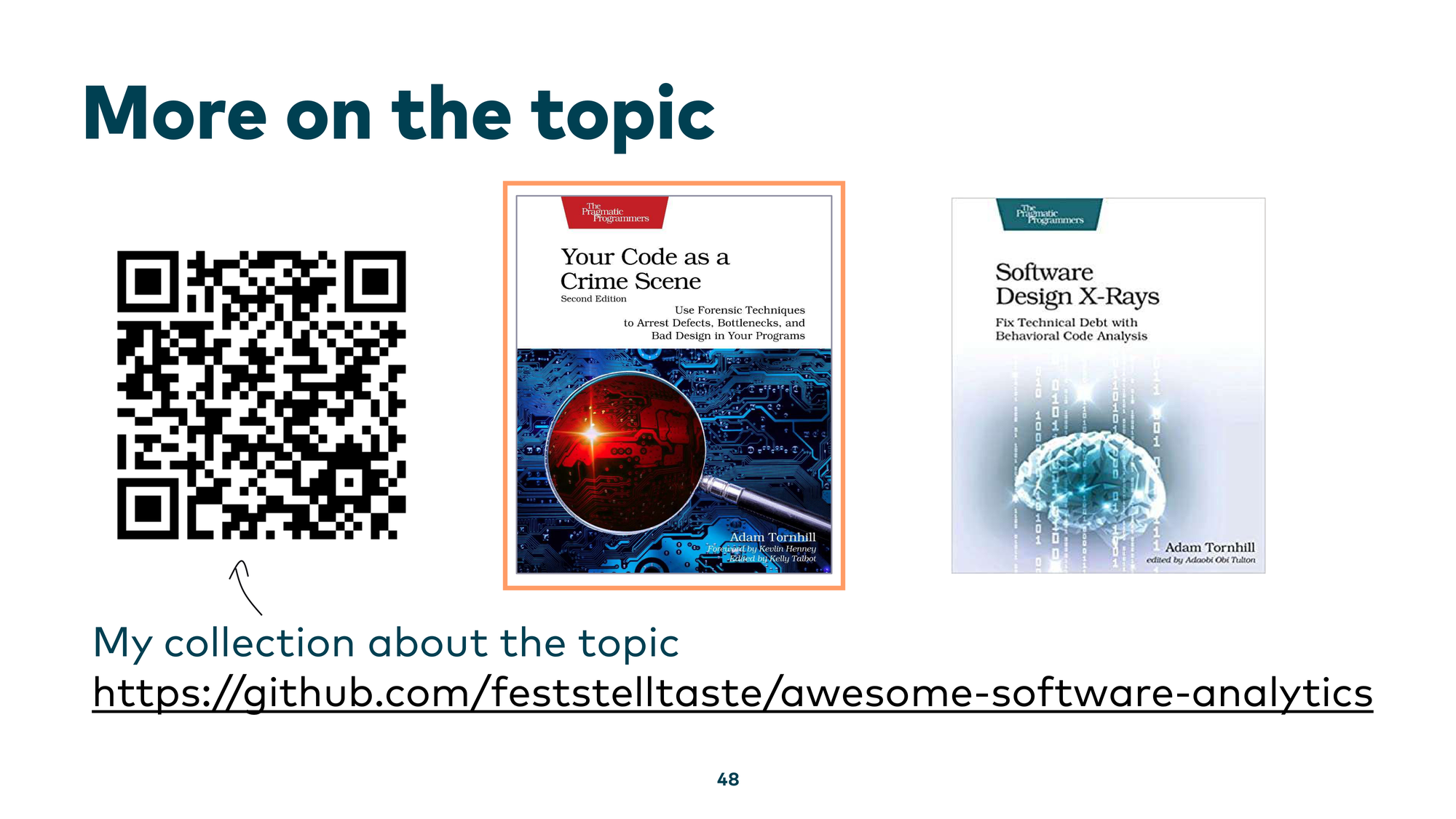
If you want to dig deeper into these topics, my collection of resources on software analytics and legacy system analysis is available at github.com/feststelltaste/awesome-software-analytics. And two books I can highly recommend: Your Code as a Crime Scene and Software Design X-Rays, both by Adam Tornhill.
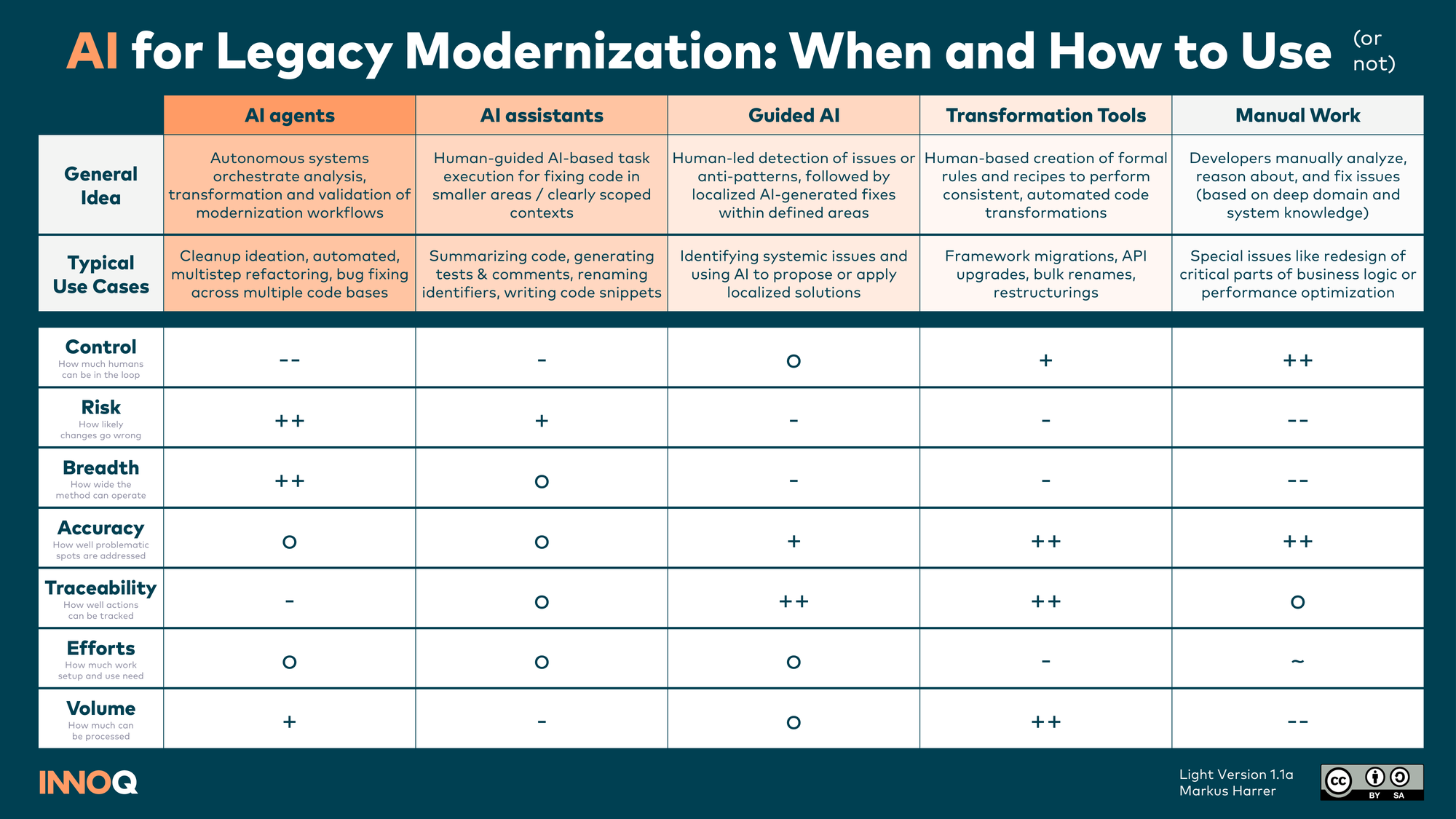
For an overview of when and how to use AI in legacy modernization work — from AI agents to guided AI to manual work — I also put together a reference card.